
Powkiddy RGB30 vs TrimUI Brick
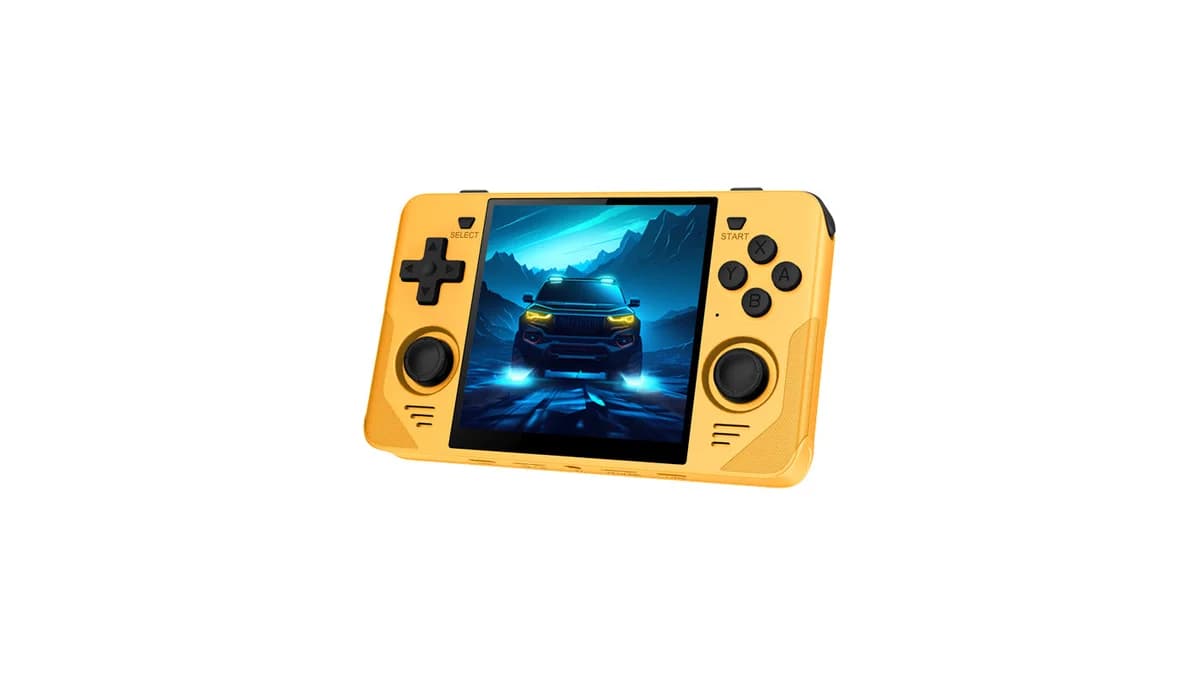
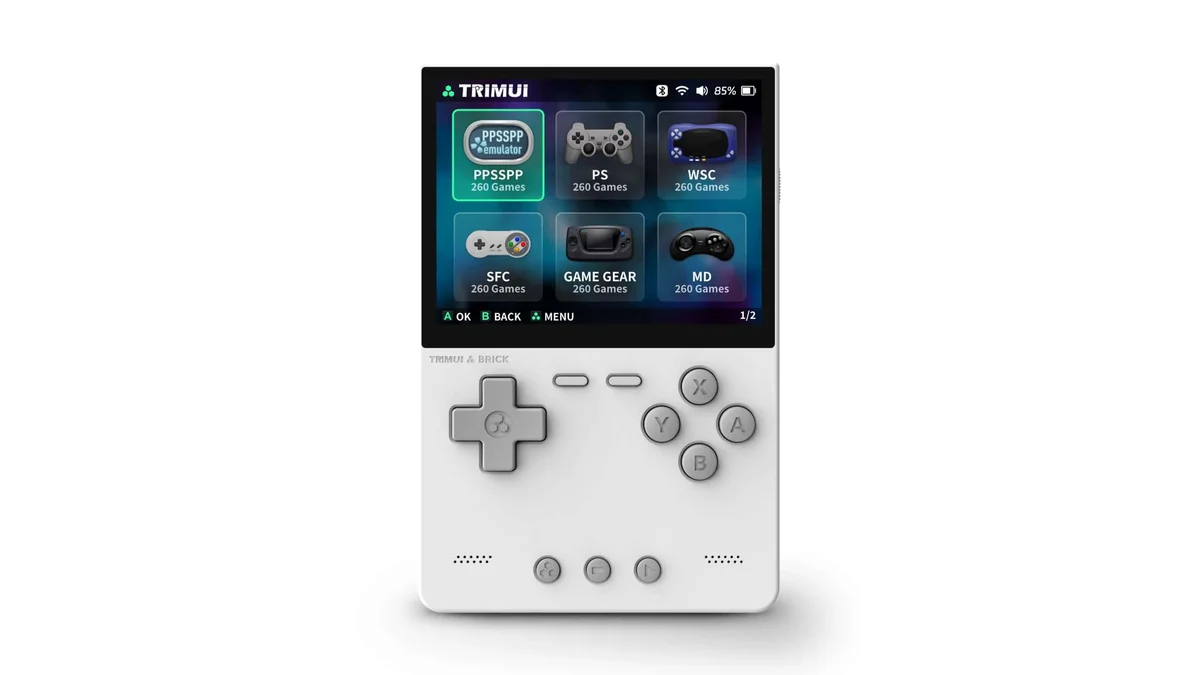
The Powkiddy RGB30 (~$95) and TrimUI Brick (~$55-70) are closely matched Linux handhelds. The right pick comes down to display, battery, and form factor — not raw performance.
Key Differences
What sets these handhelds apart
- •TrimUI Brick costs $35 less (~$95 vs ~$55-70) — roughly 37% cheaper than the Powkiddy RGB30.
- •Processor: Powkiddy RGB30 runs a RK3566 Quad-core Cortex-A55 vs Allwinner A133P in the TrimUI Brick.
- •Battery: 4,100mAh vs 3,000mAh — Powkiddy RGB30 lasts longer between charges.
- •Display: 4.0" IPS 720x720 (1:1) vs 3.2" IPS 1024x768 4:3 (405 PPI).
- •Weight: ~~260g vs ~159g — TrimUI Brick is more pocketable.
Specs Comparison
Side-by-side technical details
Performance Comparison
How they stack up in real-world use
Powkiddy RGB30 is best for
- Arcade games (perfect 1:1 aspect)
- Vertical shooters (tate mode)
- Game Boy / GBC (fills screen perfectly)
TrimUI Brick is best for
- Premium feel at budget price
- Best-in-class compact display
- PS1 and below retro gaming
Powkiddy RGB30 watch outs
- Letterboxing for widescreen content
- RK3566 less powerful than T820
- Build quality is budget-grade
TrimUI Brick watch outs
- Stock firmware needs CFW replacement
- Smaller screen than alternatives
- Shoulder buttons need experimentation
The Verdict
Pick TrimUI Brick if you want peak performance; pick TrimUI Brick if price matters more. Both are solid Linux handhelds.
Powkiddy RGB30 vs TrimUI Brick FAQ
Which is better, the Powkiddy RGB30 or the TrimUI Brick?
Pick TrimUI Brick if you want peak performance; pick TrimUI Brick if price matters more. Both are solid Linux handhelds.
What is the price difference between the Powkiddy RGB30 and the TrimUI Brick?
The TrimUI Brick costs $60 while the Powkiddy RGB30 is $95 — a $35 difference. TrimUI Brick is the value pick; Powkiddy RGB30 justifies the premium with 4.0" square 1:1 display.
Which has better performance, the Powkiddy RGB30 or TrimUI Brick?
The TrimUI Brick scores higher across aggregated performance metrics, powered by a Allwinner A133P chip with 1GB LPDDR3 RAM. The Powkiddy RGB30 uses a RK3566 Quad-core Cortex-A55 and still handles most emulation workloads competently.
How does battery life compare between the Powkiddy RGB30 and TrimUI Brick?
The Powkiddy RGB30 ships with a 4,100mAh battery. The TrimUI Brick has a 3,000mAh. Real-world runtime depends on workload: retro emulation typically gets double the runtime of native Android or PS2 emulation.
Which is more portable, the Powkiddy RGB30 or TrimUI Brick?
The Powkiddy RGB30 weighs ~~260g, while the TrimUI Brick weighs ~159g. Lighter devices are easier for pocket carry and long sessions but often tradeoff battery capacity or grip comfort.
Should I buy the Powkiddy RGB30 or wait for the TrimUI Brick?
Both are currently in market. If your use case fits arcade games (perfect 1:1 aspect), the Powkiddy RGB30 delivers today. If you prioritize premium feel at budget price, the TrimUI Brick is the stronger long-term pick. Neither is about to be replaced — both vendors have 12+ month refresh cycles.
More comparisons
The Anbernic RG35XX Plus (~$85) and Powkiddy RGB30 (~$95) go head-to-head in this Linux handheld com...
The Anbernic RG35XX Plus (~$85) and TrimUI Brick (~$55-70) go head-to-head in this Linux handheld co...
The Miyoo Mini Plus (~$65) and Powkiddy RGB30 (~$95) are closely matched Linux handhelds. The right ...