
Powkiddy RGB30 vs Powkiddy V90S
The Powkiddy RGB30 (~$95) and Powkiddy V90S (~$50-60) are closely matched Linux handhelds. The right pick comes down to display, battery, and form factor — not raw performance.
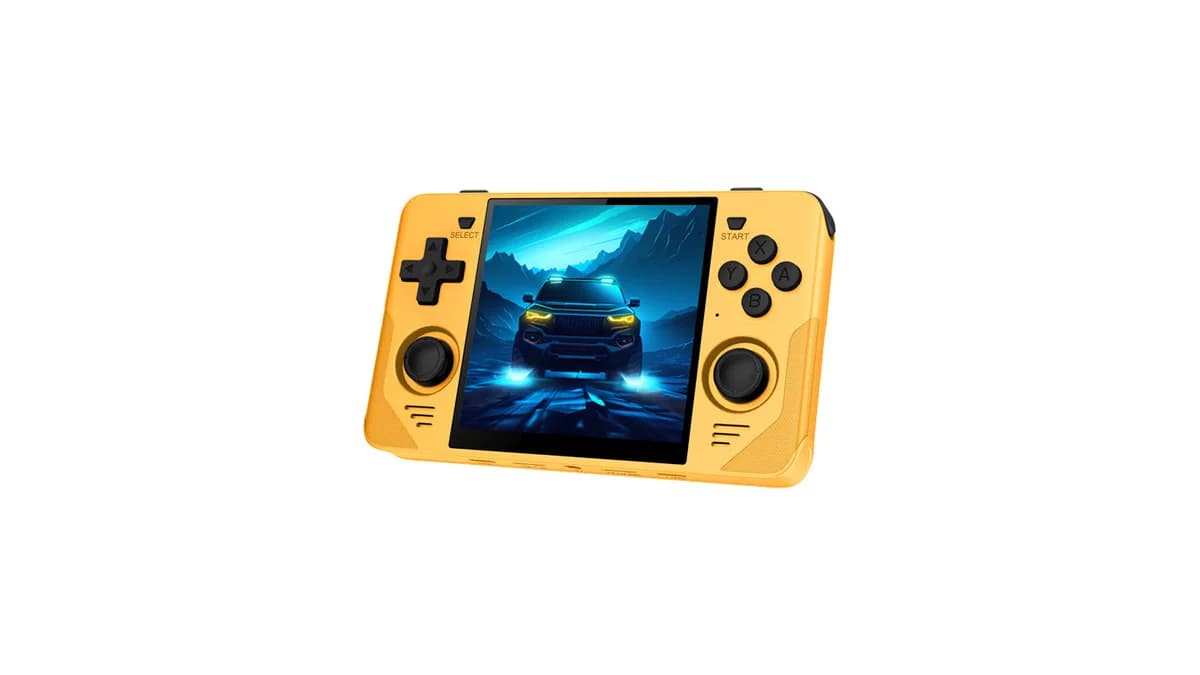
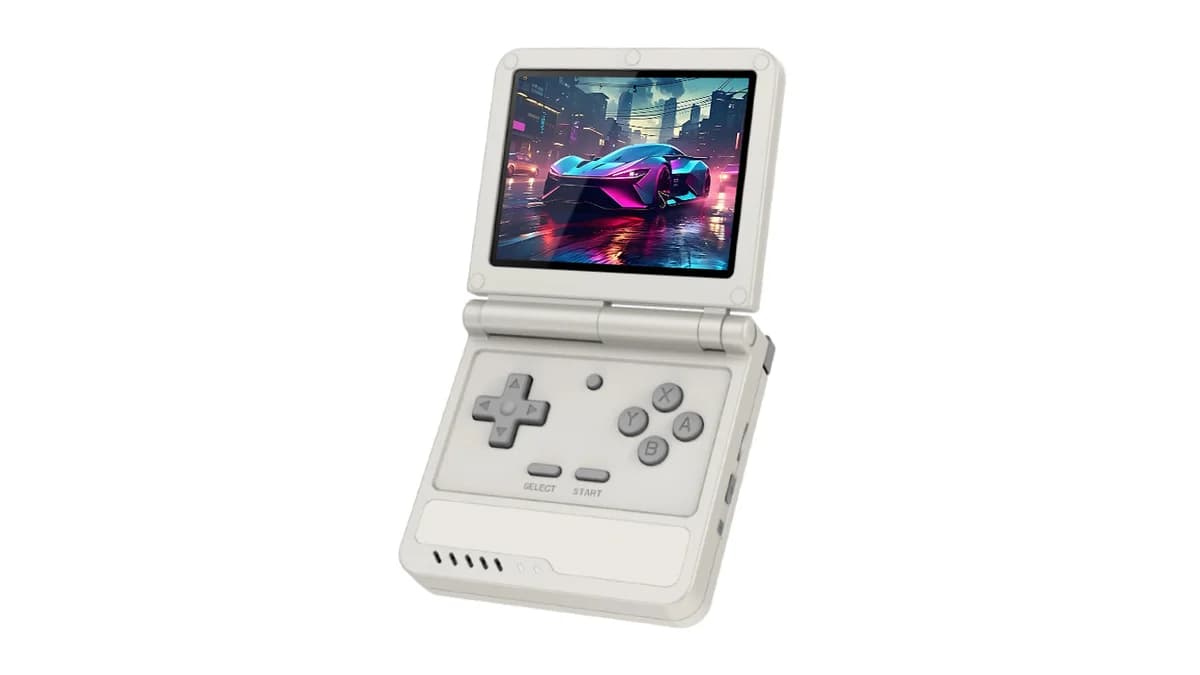
- Powkiddy V90S costs $40 less (~$95 vs ~$50-60) — roughly 42% cheaper than the Powkiddy RGB30.
- Processor: Powkiddy RGB30 runs a RK3566 Quad-core Cortex-A55 vs Allwinner A133 Plus in the Powkiddy V90S.
- Listed battery specifications: 4,100mAh vs 3,000mAh (replaceable). Capacity alone does not establish runtime; game, settings, and power draw matter.
- Display: 4.0" IPS 720x720 (1:1) vs 3.5" IPS 640x480 4:3.
- Weight: ~~260g vs ~135g — Powkiddy V90S is more pocketable.
Specs comparison
Side-by-side technical details. The glowing value wins its row.
| Spec | Powkiddy RGB30 | Powkiddy V90S |
|---|---|---|
| Price | ~$95 | ~$50-60(best) |
| Display | 4.0" IPS 720x720 (1:1) | 3.5" IPS 640x480 4:3 |
| Processor | RK3566 Quad-core Cortex-A55 | Allwinner A133 Plus |
| RAM | 1GB DDR4 | 1GB DDR3 |
| Storage | 64GB + microSD | 64GB + dual microSD |
| Battery capacity | 4,100mAh(best) | 3,000mAh (replaceable) |
| Weight | ~~260g | ~135g(best) |
| OS | Linux / ROCKNIX / JELOS | Linux |
PS1
Powkiddy V90S winsPortability
Powkiddy V90S winsValue
TiePowkiddy RGB30 is best for
- Arcade games (perfect 1:1 aspect)
- Vertical shooters (tate mode)
- Game Boy / GBC (fills screen perfectly)
Powkiddy V90S is best for
- Ultra-budget GBA/PS1 gaming
- Clamshell screen protection
- Beginner-friendly entry point
Powkiddy RGB30 watch outs
- Letterboxing for widescreen content
- RK3566 less powerful than T820
- Build quality is budget-grade
Powkiddy V90S watch outs
- No analog sticks (limits N64/Dreamcast)
- No WiFi, Bluetooth, or HDMI
- No 3.5mm headphone jack
Compare the specs and tradeoffs for your target games. Powkiddy V90S has the higher or equal average catalog rating; Powkiddy V90S has the lower or equal listed starting price. Catalog ratings are not measured game benchmarks.
Still unsure?
Let our picker quiz find your perfect handheld in 60 seconds.
Powkiddy RGB30 vs Powkiddy V90S FAQ
Which is better, the Powkiddy RGB30 or the Powkiddy V90S?
Compare the specs and tradeoffs for your target games. Powkiddy V90S has the higher or equal average catalog rating; Powkiddy V90S has the lower or equal listed starting price. Catalog ratings are not measured game benchmarks.
What is the price difference between the Powkiddy RGB30 and the Powkiddy V90S?
The catalog lists Powkiddy V90S from $55 and Powkiddy RGB30 from $95, a $40 starting-price difference. Configuration, shipping, tax, and availability can change the final cost. A higher price does not by itself establish better performance.
Which has better performance, the Powkiddy RGB30 or Powkiddy V90S?
The Powkiddy RGB30 uses RK3566 Quad-core Cortex-A55 with 1GB DDR4 RAM; the Powkiddy V90S uses Allwinner A133 Plus with 1GB DDR3 RAM. Catalog ratings are not measured game benchmarks. Check testing for your games, emulator version, resolution, and power settings before choosing.
How does battery life compare between the Powkiddy RGB30 and Powkiddy V90S?
The Powkiddy RGB30 ships with a 4,100mAh battery. The Powkiddy V90S has a 3,000mAh (replaceable). Capacity alone does not establish battery life. Compare runtime tests using the same game, brightness, and power settings; manufacturer claims may use different workloads.
Which is more portable, the Powkiddy RGB30 or Powkiddy V90S?
The Powkiddy RGB30 weighs ~~260g, while the Powkiddy V90S weighs ~135g. Lighter devices are easier for pocket carry and long sessions but often tradeoff battery capacity or grip comfort.
Should I buy the Powkiddy RGB30 or wait for the Powkiddy V90S?
Check each official store for current stock, preorder status, and shipping estimates. Choose around the games and features you need now. This comparison does not verify delivery dates or predict when either manufacturer will release a replacement.