Yes, you can use a Steam Deck without Wi-Fi, provided the installed game does not require an internet connection. That is Valve's stated rule. The useful question before a trip is whether your particular games and saves are ready.
This is a documentation-based preparation guide, checked September 16, 2026. It is not a claim that we tested every game offline. No hardware purchase is needed to follow the checklist on a Deck you already own.
Before you leave: prepare Steam and your games
Valve's Offline Mode instructions say to sign in online with credentials saved, finish updates, and launch each intended game once to complete setup. Exit the game afterward. In the desktop Steam client, choose Steam > Go Offline. Gaming Mode menu placement can change between SteamOS releases; the desktop-client menu is the documented route used here.
If Steam demands a fresh login, Valve says you must reconnect. Offline Mode cannot bypass that sign-in requirement. Do this preparation somewhere with a reliable connection, not for the first time after boarding.
Run this travel rehearsal
Our recommended check goes beyond seeing an installed badge. Work through it for each game you actually intend to play:
| Check | What to record | If it fails |
|---|---|---|
| Turn Wi-Fi off and launch from the library | Did gameplay start without a login prompt? | Set this title aside until you can investigate online |
| Reach a normal save point | Can you create a recognizable test save? | Check the game's own saving instructions |
| Exit normally, then reopen | Can you load that test save? | Resolve this before trusting it with trip progress |
| Shut down normally and repeat the launch | Does a fresh start also work? | Do not rely on a previously suspended session |
This is a suggested personal acceptance test, not a guarantee about future publisher changes. Keep a short note with the game, test date, and result. Pick at least one backup game rather than making the whole trip depend on a single title. Avoid changing launchers or game configurations immediately after a successful rehearsal unless you have time to repeat it.
Deck Verified is only part of the decision
Valve's compatibility program evaluates input, display, seamless operation, and system support. Read a game's detailed compatibility notes and store requirements as well as its badge. Our buying advice: treat compatibility and disconnected play as two separate checks. A badge is not your personal offline test result.
This distinction also matters when choosing hardware. Compare the Steam Deck LCD and Steam Deck OLED, or use our LCD vs OLED comparison. Choose based on the games and experience you want, then perform the same trip rehearsal on the device you buy.
Protect your progress when you return
Steam Cloud support explains that offline changes cannot synchronize until you reconnect. Playing on another computer before that happens can leave different versions of a save. Not all games support Steam Cloud.
Our recommendation is to reconnect the Deck first, close the game normally, and check its synchronization status before continuing elsewhere. If a conflict appears, compare the timestamps with where you last played. Do not automatically assume that the cloud copy contains the newer progress. Valve warns that ignoring synchronization errors can result in lost progress.
A sensible packing decision
Prepare a small library you have actually checked. One familiar game with a verified save is more useful for a flight than a long download queue. Leave time for troubleshooting while you still have a connection, and repeat your rehearsal after substantial changes.
Still choosing a handheld? Start with the under-$500 buying guide, then take the handheld finder quiz to narrow your options by budget and preferences. The quiz helps select hardware; the game-by-game checks above remain your travel preparation.
Frequently Asked Questions
Can I use my Steam Deck offline without Wi-Fi?
Yes, installed games that do not require an internet connection can run without Wi-Fi. Check the requirements for each game you plan to take. Our recommendation is to test a launch, a save, and a reload with Wi-Fi disabled before leaving home. Valve documentation
How long can a Steam Deck stay in offline mode?
Valve does not give a universal offline time limit in the documentation linked here. Do not assume a fixed number of days applies to every game. For a long trip, check each publisher's requirements and prepare several games that pass your own disconnected launch test. Valve documentation
What happens if I put Steam in offline mode?
Steam features that need an online connection become unavailable. Offline Mode does not remove a game's internet requirement. Treat the setting as one preparation step: choose suitable games, finish their setup, and test them disconnected before relying on the Deck away from home. Valve documentation
How to get Steam Deck out of offline mode?
Reconnect the Deck to a working network and return Steam to online mode. In the desktop Steam client, use the Steam menu to go online. Before switching to another computer, check that supported games have synchronized their saves; investigate a conflict instead of choosing a copy blindly. Valve documentation
Sources
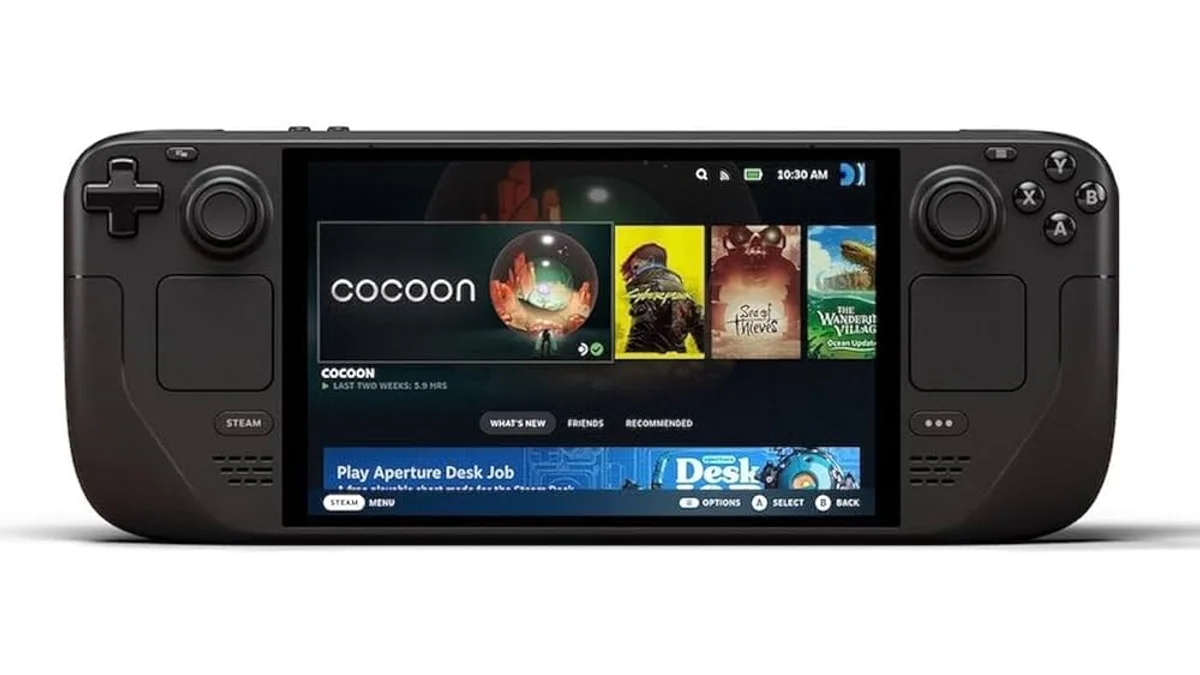
Featured image: Valve's Steam Deck press kit, original product rendering. Official press image used for editorial coverage.