Update September 28, 2026: Valve's Steam Frame ARM SteamOS userspace is now ported to several of the same Qualcomm handhelds. That is a different stack than ROCKNIX-plus-Steam in ES-DE. Current ports, prices, and ABL requirements: SteamOS ARM on Odin 2, Pocket FIT, and Pocket S2.
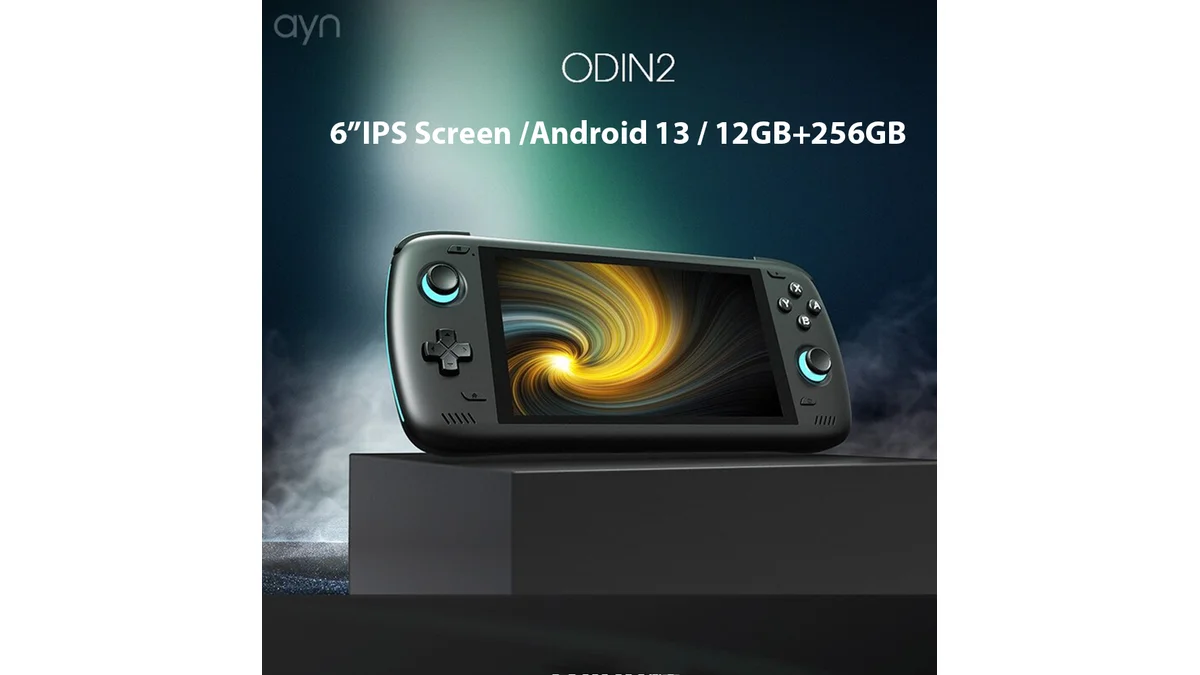
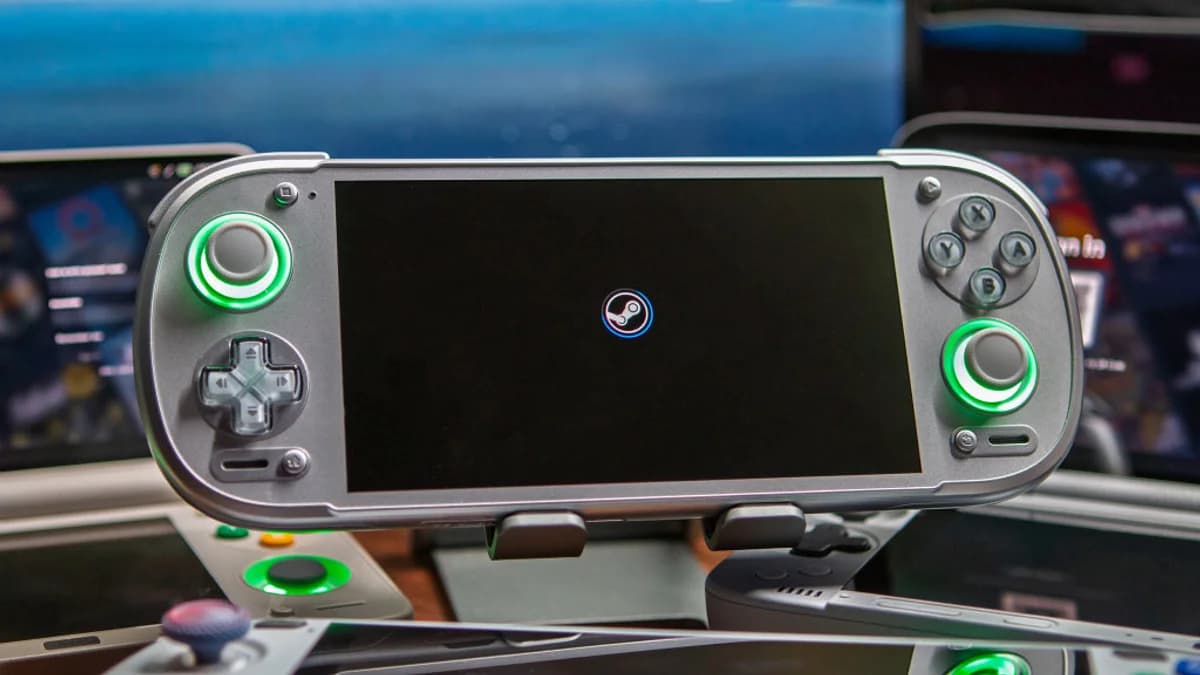
The lines between Android handhelds and PC gaming devices just got significantly blurrier. ROCKNIX, the popular Linux distribution for ARM devices, has officially announced Steam support for Qualcomm-based Android handhelds—enabling users to run native Linux games as well as Windows games through Proton. This development arrives amid speculation about SteamOS availability for Android handhelds following Valve's Steam Frame announcement, providing an immediate solution for converting devices like the Odin 2, Retroid Pocket 6, and KONKR Pocket Fit into "mini" Steam Deck alternatives (according to Retro Handhelds).
What is ROCKNIX and What Does This Update Do?
ROCKNIX is a Linux distribution specifically designed for ARM-based handheld gaming devices. Unlike Android, which runs a modified Linux kernel with heavy overhead and Google services, ROCKNIX provides a streamlined Linux environment optimized for gaming and emulation. The new Steam support represents a significant expansion of ROCKNIX's capabilities, transforming supported Android handhelds from emulation powerhouses into legitimate PC gaming devices.
According to the announcement, the update allows users to "run native Linux games as well as Windows games through Proton" (according to Retro Handhelds). Proton is Valve's compatibility layer that enables Windows games to run on Linux, and it's the same technology powering the Steam Deck's vast game compatibility. This means games from your Steam library that traditionally required Windows can now run on your Android handheld without waiting for native ports or dealing with complex compatibility layers.
The integration goes beyond just running Steam games. ROCKNIX has built this feature directly into its ES-DE frontend, meaning your Steam library appears alongside your emulation collections. Launching a Steam game is as seamless as launching a PS2 or GameCube title—no need to exit to a separate interface or juggle multiple applications.
Which Devices Are Supported?
Currently, this feature is limited to Qualcomm-based handhelds, which makes sense given Qualcomm's superior Linux driver support compared to MediaTek or other ARM vendors. The following devices are officially supported as of the announcement (according to Retro Handhelds):
AYN Devices
- Odin 2 (Snapdragon 8 Gen 2)
- Odin 2 Mini (Snapdragon 8 Gen 2)
- Odin 2 Portal (Snapdragon 8 Gen 2)
- Thor (Snapdragon 8 Gen 2)
AYANEO Devices
- Pocket ACE
- Pocket DMG
- Pocket DS
- Pocket EVO
- Pocket S 2K
- Pocket S2
Retroid Devices
- Pocket 5 (Snapdragon 865)
- Pocket 6 (Snapdragon 8 Gen 2)
- Pocket Flip 2
KONKR Devices
- KONKR Pocket Fit (G3 Gen 3)
Notably absent from the current support list are devices running the newer Snapdragon 8 Elite/Dragonwing Q8 chips, including the AYN Odin 3 and KONKR Pocket Fit Elite. However, development for these devices is already underway, and support is expected to arrive in future nightly builds.
How the Steam Deck UI Works on Android Handhelds
The ROCKNIX implementation doesn't just add Steam—it integrates it intelligently into the existing workflow. Once installed, Steam games appear directly in the ES-DE frontend alongside your traditional console emulators. This means you can browse your entire game library—from NES classics to modern PC releases—within a single unified interface.
The system defaults to Steam's Big Picture mode, which is optimized for controller navigation and avoids the headaches of windowed interfaces on small screens. This is essentially the same interface you'll find on a Steam Deck, adapted for the smaller screens and different aspect ratios of Android handhelds.
ROCKNIX also provides flexibility with graphics options, allowing users to switch between DRM, Vulkan, and OpenGL rendering as needed. This is crucial for compatibility, as some games run better under specific rendering backends. The documentation recommends checking ProtonDB for game-specific compatibility information, which helps set expectations before downloading large games.
Performance Implications
Let's be clear: your Android handheld isn't going to match the raw power of a Steam Deck OLED or ROG Ally. The Snapdragon 8 Gen 2 and 8 Gen 3 chips in supported devices are powerful for mobile standards, but they're designed for efficiency and thermal constraints rather than sustained high-performance PC gaming.
That said, the performance picture is more nuanced than simple hardware comparisons suggest. The Snapdragon chips in these handhelds often outperform the Steam Deck's custom AMD APU in single-threaded tasks and can deliver surprisingly good results for older PC titles, indie games, and less demanding AAA releases. Games like Hades, Celeste, Dead Cells, and many pixel-art indie titles should run excellently.
The bigger bottleneck might be storage speed. The announcement specifically notes that "long downloading and installation times" occur primarily when using microSD cards (according to Retro Handhelds). For significantly improved download and installation speeds, use internal storage where possible. This is particularly important given that modern PC games often exceed 50-100GB in size.
Thermal management will also play a role in sustained performance. Devices like the Retroid Pocket 6 and AYN Odin 2 series with active cooling will likely maintain better frame rates during extended sessions compared to passively cooled devices.
How to Set It Up
Setting up Steam on ROCKNIX requires running a nightly build of the operating system—this feature is not yet available in stable releases. Here's the installation process (according to Retro Handhelds):
Prerequisites:
- A supported Qualcomm-based handheld
- ROCKNIX nightly build installed
- Wi-Fi connection for first-time setup
Installation Steps:
- Boot ROCKNIX and connect to Wi-Fi
- Navigate to the Tools menu
- Scroll down and select "Install Steam"
- The system will automatically "download the FEX Arch rootfs and install the Steam runtime and its dependencies"
Downloads are available from the ROCKNIX Nightly Builds page, and detailed documentation can be found on the ROCKNIX Steam Wiki.
Current Limitations and Known Issues
This feature is currently in early access through nightly builds, and there are notable limitations. The most significant current limitation is that "after installing and picking a game to play, it's not currently possible to access the Steam menu from within the game. You'll instead need to exit the game and Steam entirely before starting everything back up again" (according to Retro Handhelds).
The good news is that this limitation is temporary. The ROCKNIX team has indicated that "there will also be a possibility to return to Steam while the game is running" in future updates. This suggests the current implementation is functional but still evolving.
Other potential issues include:
- Limited support for games with specific DRM requirements
- Potential audio latency issues with certain titles
- Controller mapping quirks for games expecting Xbox or PlayStation controllers
- Storage constraints for large game installations
Who Should Try This?
This update is ideal for several types of users:
Emulation Enthusiasts Expanding to PC Gaming: If you already own an Odin 2, Retroid Pocket 6, or similar device primarily for emulation, this opens up your Steam library without buying additional hardware.
Budget-Conscious PC Gamers: A Retroid Pocket 5 at $199 or AYN Odin 2 at $299 represents significant savings compared to a $549 Steam Deck OLED, especially if you primarily play indie titles and older games.
Linux Curious Users: ROCKNIX provides a gentler entry point into Linux gaming than setting up a full Linux distribution on PC hardware, with the convenience of handheld form factor.
Dual-Boot Experimenters: You can install ROCKNIX alongside Android on supported devices, giving you the flexibility to switch between Android's app ecosystem and ROCKNIX's streamlined gaming focus.
Portable Indie Game Players: If your Steam library consists primarily of Hades, Stardew Valley, Celeste, and similar titles, you'll likely have an excellent experience on supported hardware.
Frequently Asked Questions
Is ROCKNIX Steam support stable enough for daily use?
Currently, ROCKNIX Steam support is only available in nightly builds and contains bugs. The ROCKNIX team warns that this is early access software, and users should expect occasional crashes, compatibility issues, and the limitation of not being able to access the Steam menu while a game is running. For a stable experience, wait for the feature to reach stable ROCKNIX releases. However, many users report that once games are installed, the actual gameplay experience is quite stable for compatible titles.
Can I play AAA games like Elden Ring or Cyberpunk 2077?
While technically possible through Proton, AAA titles released in the last few years will likely struggle on current Android handheld hardware. The Snapdragon 8 Gen 2 in devices like the Odin 2 and Retroid Pocket 6 is powerful, but it's not equivalent to a Steam Deck's custom AMD APU. You'll have better luck with older AAA titles (pre-2020), indie games, and less demanding releases. Check ProtonDB for specific game compatibility reports and performance expectations.
Will this replace my Steam Deck?
For most users, no. The Steam Deck OLED and similar x86 handhelds remain superior for demanding PC gaming due to their more powerful APUs, larger batteries, and purpose-built design. However, ROCKNIX Steam support turns your Android handheld into a capable secondary device for lighter PC gaming and significantly expands its versatility. It's more of a complement to a Steam Deck than a replacement—ideal for situations where you want PC gaming in a more pocketable form factor.