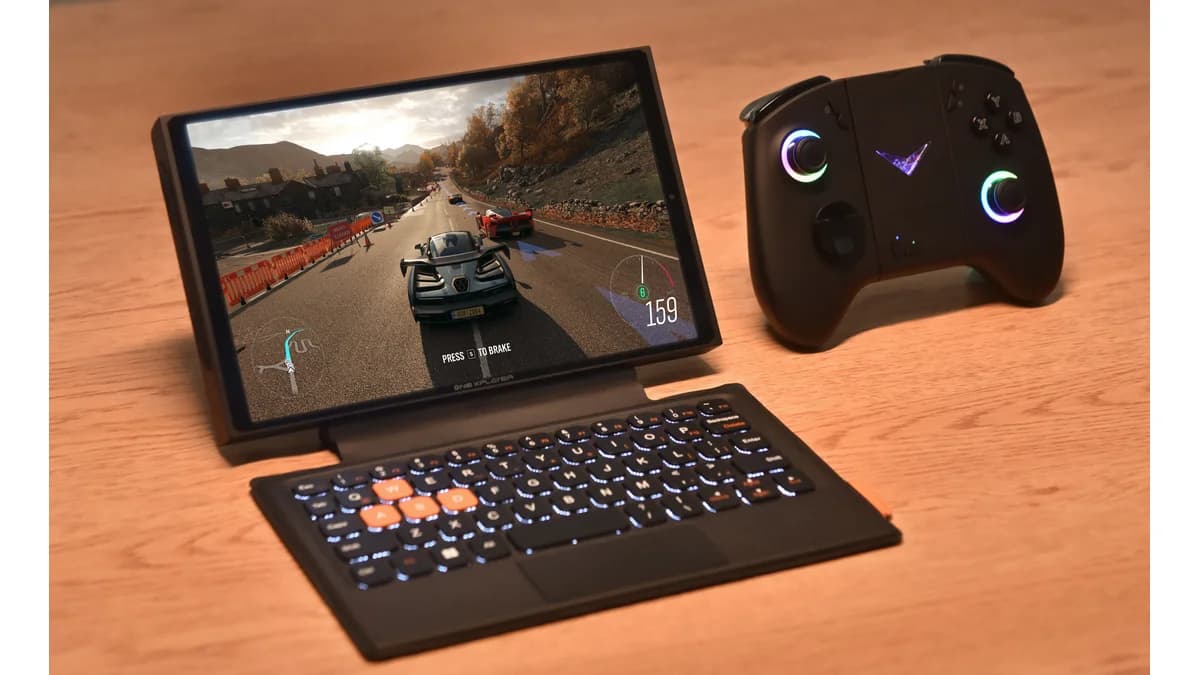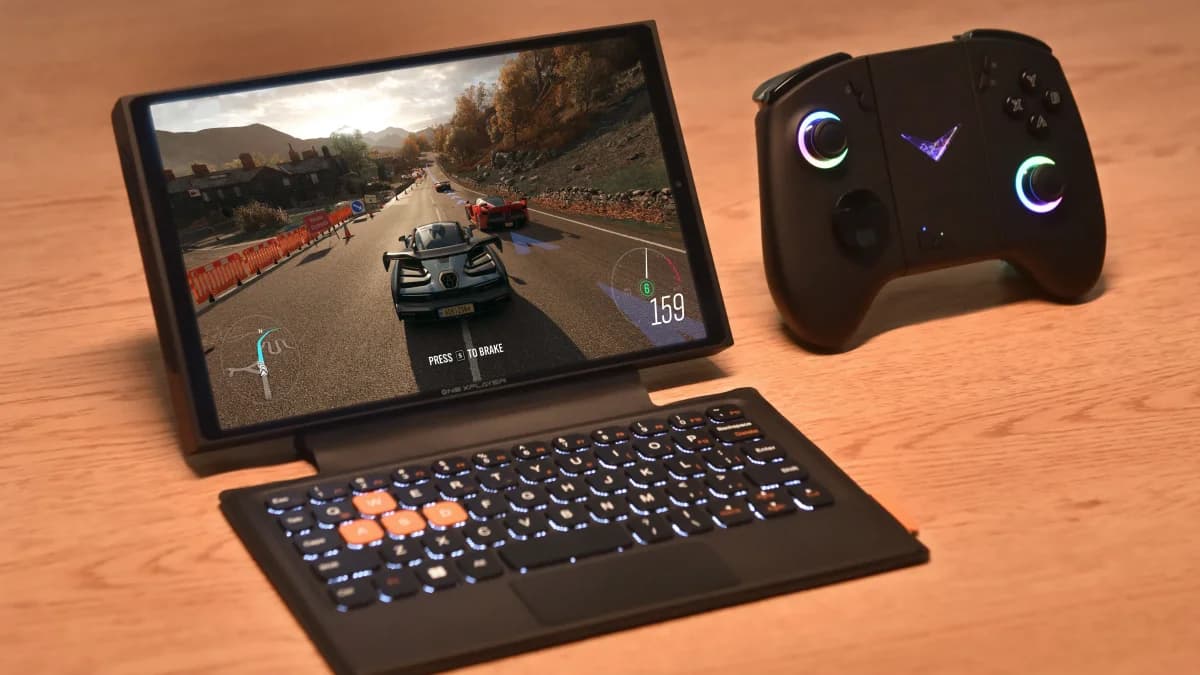
The OneXPlayer X1 Mini is not a Steam Deck clone. It is an 8.8-inch Windows gaming tablet with detachable controllers, an optional keyboard, Ryzen 7 8840U performance, and enough screen resolution to make Windows feel less cramped than it does on smaller handheld PCs.
That also makes it a niche device. The X1 Mini is best for buyers who want one machine that can be a handheld, a tablet, and a tiny laptop. If you only want a couch gaming device, the Steam Deck OLED and ROG Ally X are simpler.
Specs and Current Position
OneXPlayer's Japanese product page lists the X1 Mini with an AMD Ryzen 7 8840U, 8 cores and 16 threads, Radeon 780M graphics, LPDDR5X memory, M.2 PCIe 4.0 storage, microSD 4.0, and an 8.8-inch 2560x1600 LTPS display at 144Hz and 500 nits (according to OneXPlayer).
| Spec | OneXPlayer X1 Mini |
|---|---|
| Display | 8.8-inch LTPS, 2560x1600, 144Hz, 500 nits |
| Chip | AMD Ryzen 7 8840U |
| GPU | Radeon 780M |
| RAM | 16GB / 32GB / 64GB LPDDR5X |
| Storage | M.2 2230/2242 PCIe 4.0 SSD, up to 2TB |
| Expansion | microSD 4.0, up to about 300MB/s listed |
| Weight | About 710g tablet body |
| Modes | Handheld, tablet, keyboard laptop mode |
The most important spec is not the 8840U. It is the screen. An 8.8-inch 16:10 panel gives Windows, Steam, Xbox Game Pass, emulators, and browser tasks room to breathe.
Gaming Performance
The Ryzen 7 8840U and Radeon 780M are known quantities in handheld PCs. Expect strong 720p to 900p gaming at sensible TDP settings and lighter 1080p gaming when you accept reduced settings. The native 2560x1600 resolution is beautiful for desktop use, but most modern games should not run there.
| Use Case | Expected Result |
|---|---|
| Indie PC games | Excellent, often high refresh |
| Older AAA PC games | Good at 900p or 1080p with settings work |
| Modern AAA PC games | Playable with FSR/lower settings |
| Game Pass / cloud | Excellent screen size |
| PS2/GameCube/Wii emulation | Excellent |
| PS3 / Xbox 360 emulation | Game-dependent but viable |
The X1 Mini is more versatile than a Deck, but less appliance-like. You will spend more time managing Windows, drivers, launchers, power profiles, and controller behavior.
The 3-in-1 Design
The X1 Mini's detachable controller system is the reason to consider it over a normal handheld. With controllers attached, it behaves like a large handheld. Remove them and it becomes a Windows tablet. Add the magnetic keyboard and it becomes a miniature laptop.
That flexibility is real. It is also where the trade-offs live:
- It is heavier and wider than a dedicated handheld.
- Detachable controllers add seams, charging/connection concerns, and setup complexity.
- Windows tablet mode is better than it used to be, but still not iPad-simple.
- The keyboard makes sense for travel work, not full-time productivity.
X1 Mini vs Steam Deck OLED
| Category | Better Pick |
|---|---|
| Console-like simplicity | Steam Deck OLED |
| Windows compatibility | OneXPlayer X1 Mini |
| Screen size and desktop room | OneXPlayer X1 Mini |
| Battery consistency | Steam Deck OLED |
| Game Pass native app | OneXPlayer X1 Mini |
| Value | Steam Deck OLED |
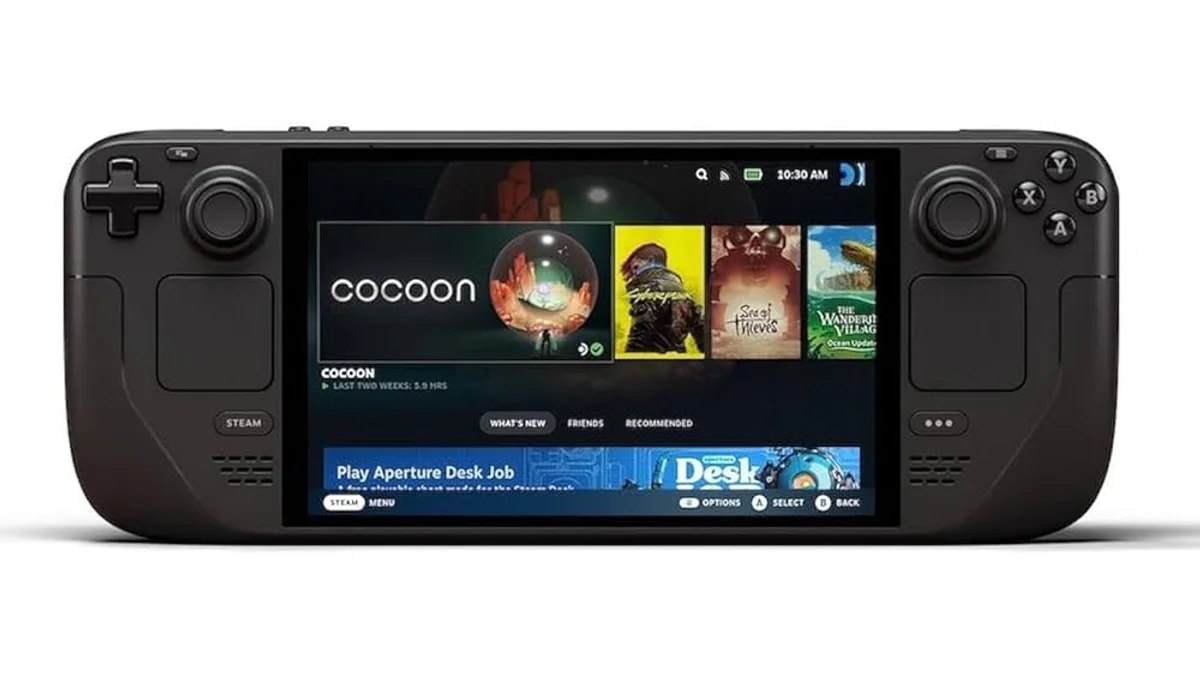
For most buyers, the Steam Deck OLED is still the friendlier gaming device. The X1 Mini is for people who specifically want Windows, a larger display, and tablet/laptop flexibility.
Buy or Skip?
Buy the OneXPlayer X1 Mini if you want a premium 8.8-inch Windows handheld tablet for Game Pass, PC games, emulation, and travel productivity. Skip it if you want the least fiddly handheld PC, the best battery life, or the cheapest path into PC gaming.
In 2026, the X1 Mini is not the safest recommendation. It is the interesting one for people who know exactly why they want the big screen and detachable controls.
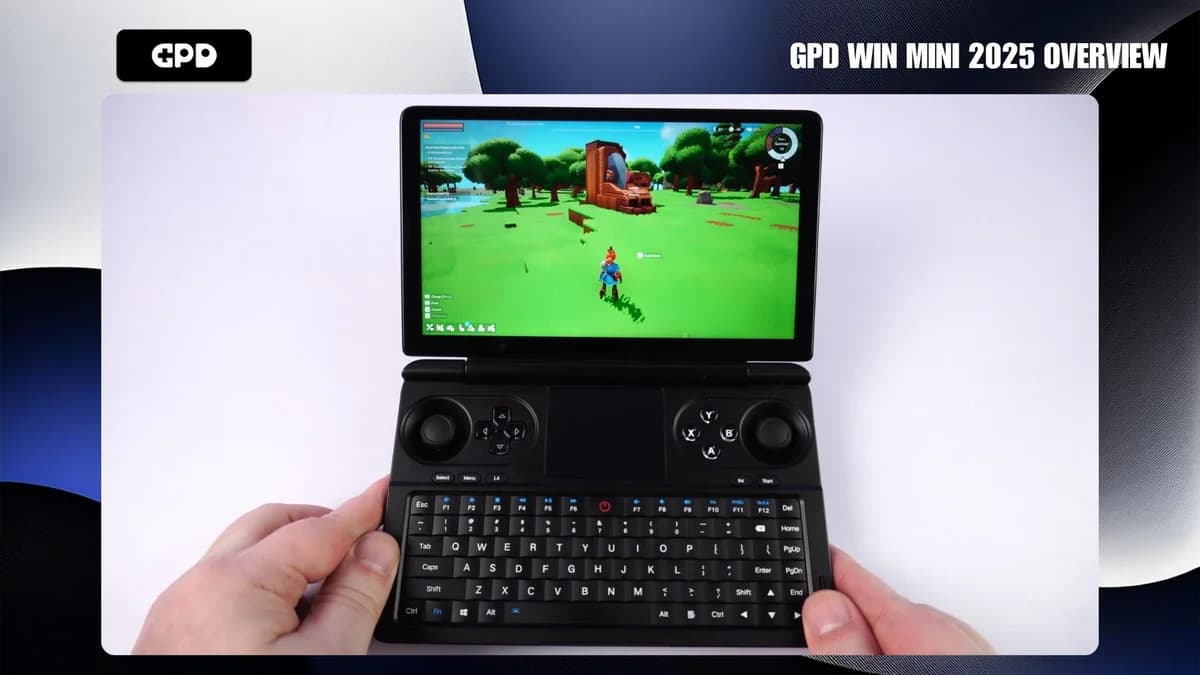
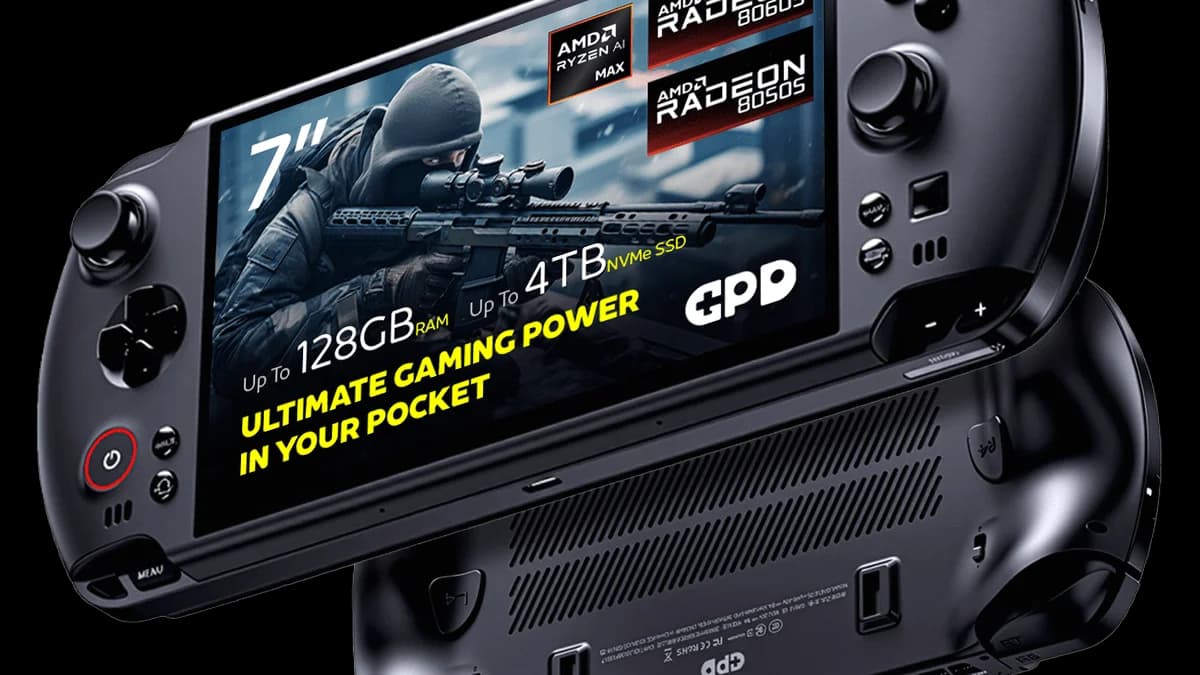
Compare it with the Steam Deck OLED, GPD Win 5, and GPD Win Mini 2025, or use the Handheld Finder quiz.
Frequently Asked Questions
Is the OneXPlayer X1 Mini worth it in 2026?
The OneXPlayer X1 Mini is worth it in 2026 if you specifically want a large 8.8-inch Windows gaming tablet with detachable controllers and optional keyboard use. It is not the best value for pure handheld gaming, where Steam Deck OLED and ROG Ally X are simpler.
Can the OneXPlayer X1 Mini run AAA games?
Yes, the Ryzen 7 8840U and Radeon 780M can run many AAA games at 720p, 900p, or reduced 1080p settings with FSR. The native 2560x1600 screen is better for Windows and lighter games than demanding AAA play at full resolution.
Is the X1 Mini better than Steam Deck OLED?
The X1 Mini is better for Windows compatibility, Game Pass, screen size, and tablet/laptop flexibility. Steam Deck OLED is better for simplicity, battery consistency, suspend/resume, value, and console-like use. Most casual buyers should choose the Steam Deck OLED.
How heavy is the OneXPlayer X1 Mini?
OneXPlayer lists the X1 Mini tablet body at about 710g. With controllers and accessories attached, it feels more like a small Windows tablet than a compact handheld. That is comfortable for tabletop and couch use, but less ideal for standing or commuting.
Sources
- OneXPlayer - X1 Mini official product page
- The Verge - OneXPlayer X1 Mini hands-on
- DroiX - OneXPlayer X1 Mini review
- XDA - OneXPlayer X1 Mini review
Featured image: The Verge. Product images used under fair use for editorial purposes.