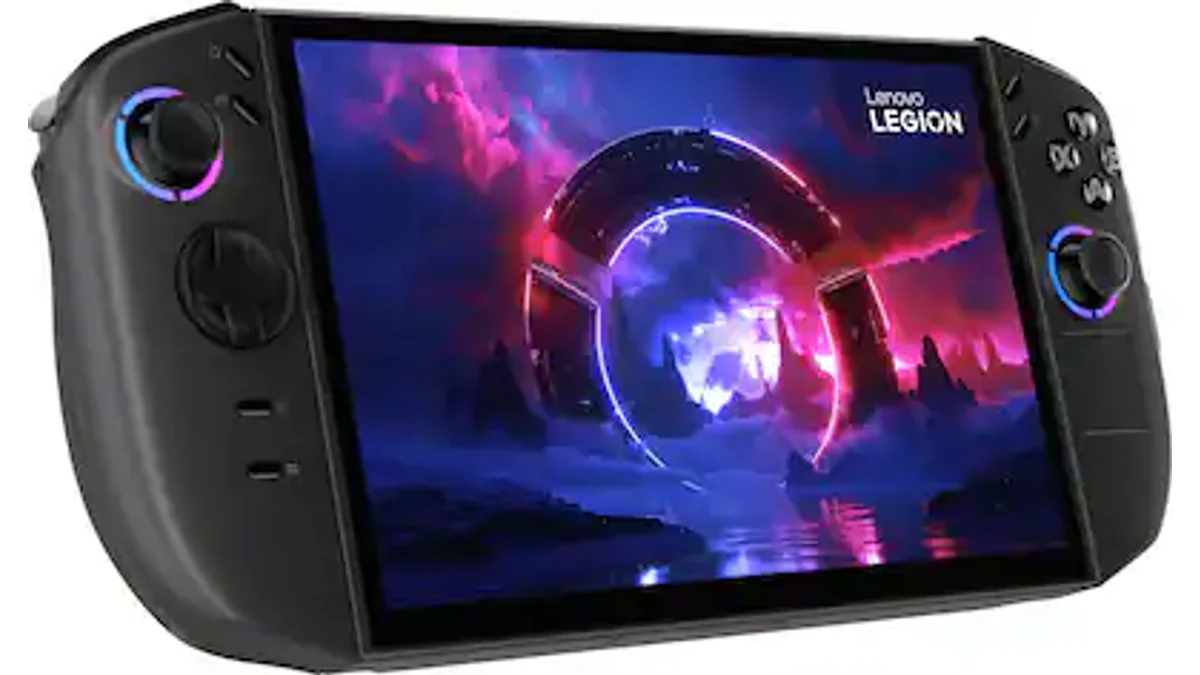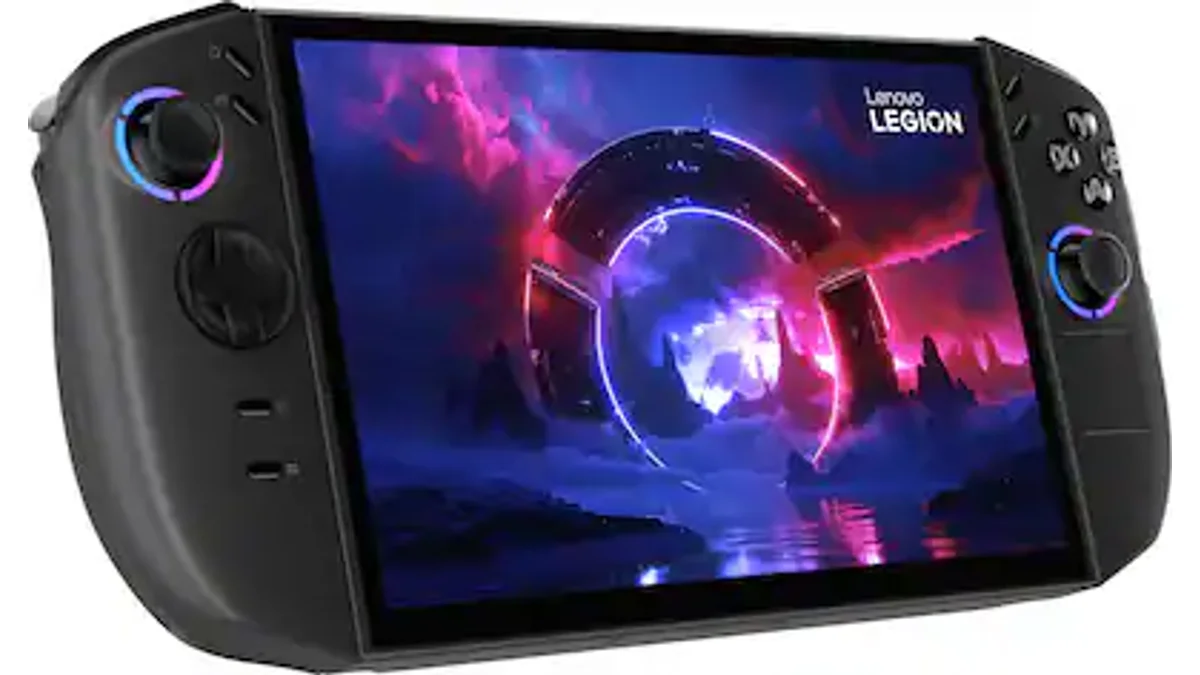
The Lenovo Legion Go 2 is Lenovo's premium Windows handheld upgrade: an 8.8-inch PureSight OLED at 1920×1200 and 144Hz VRR, AMD Ryzen Z2 or Z2 Extreme silicon, up to 32GB LPDDR5X, a 74Wh battery, and detachable Legion TrueStrike controllers with Hall sticks and FPS mode. Base configurations start around $1,099 (Ryzen Z2, 16GB, 1TB); Z2 Extreme 32GB / 1TB units land near $1,350 at launch (Tom's Hardware, Thurrott).
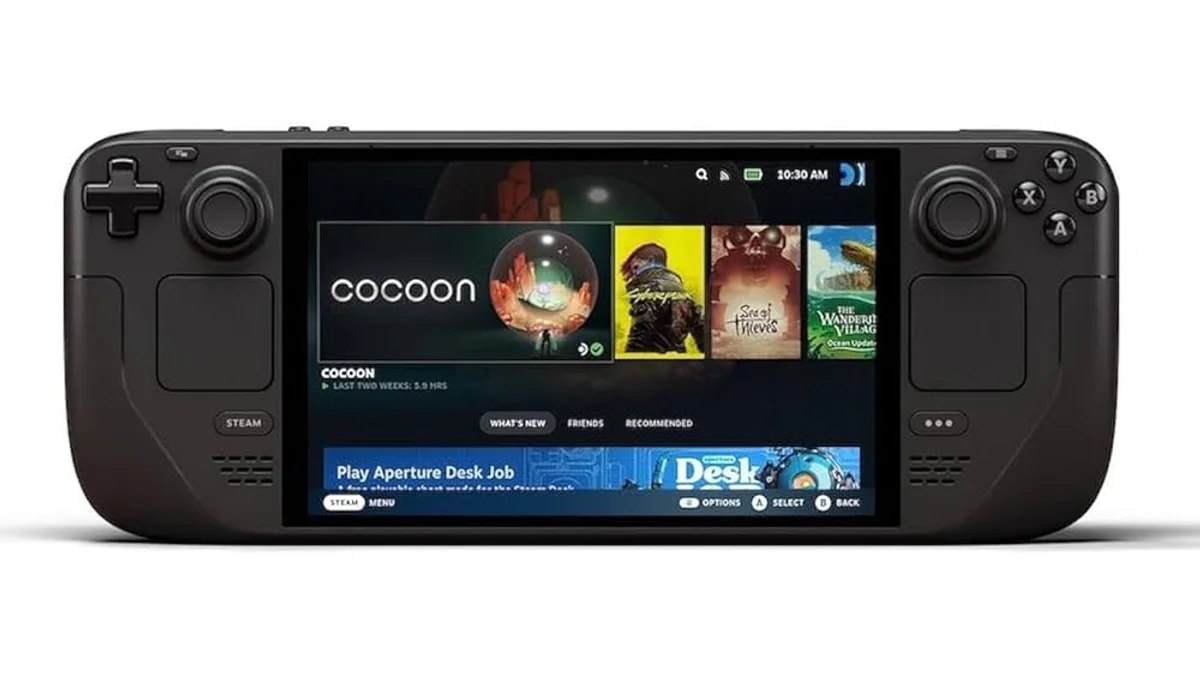
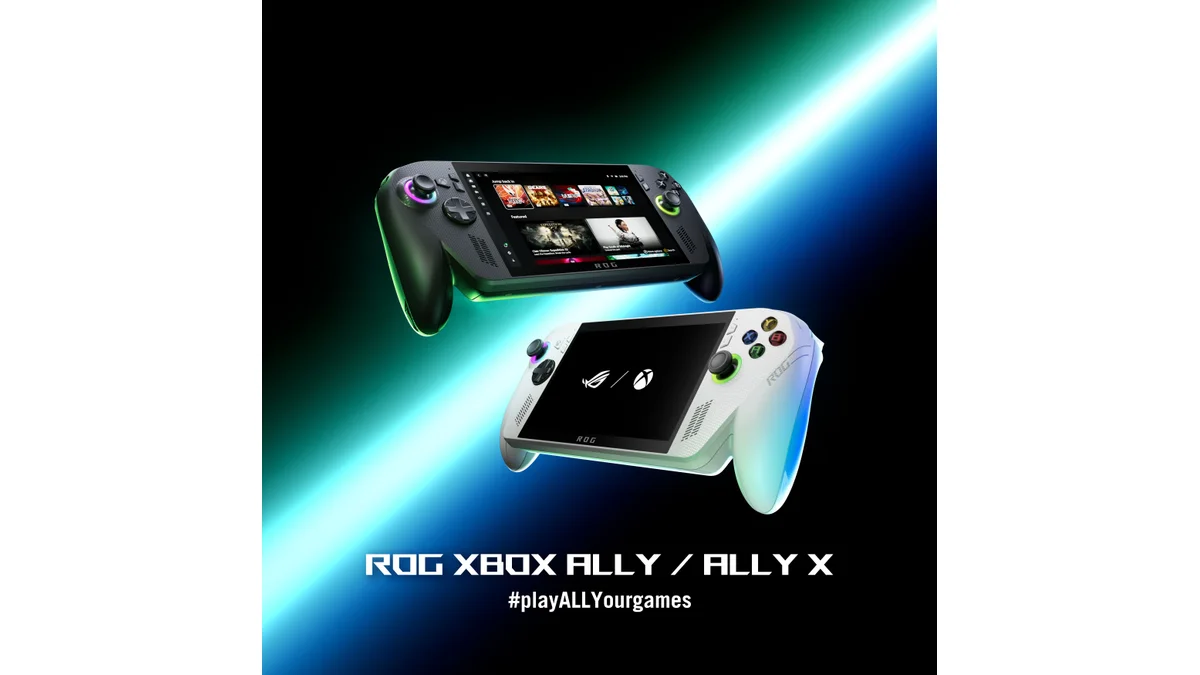
This review synthesizes official specs, Lenovo store configs, and published hands-on testing. If you want Switch-style detachable pads plus a big OLED Windows canvas, the Go 2 is the mainstream brand that ships that combo. If you mainly want efficient AAA in a lighter body, the ROG Ally X / Xbox Ally class and Steam Deck OLED still deserve a hard look first.
Not sure which Windows handheld fits? Take the Handheld Picker quiz.
Specs at a Glance
| Spec | Lenovo Legion Go 2 |
|---|---|
| Price | ~$1,099 (Z2 / 16GB / 1TB); ~$1,350 (Z2 Extreme / 32GB / 1TB as tested) |
| Display | 8.8" PureSight OLED, 1920×1200, 30–144Hz VRR, touch |
| Chip | AMD Ryzen Z2 or Ryzen Z2 Extreme (8c/16t, RDNA 3.5 iGPU) |
| RAM | 16GB or 32GB LPDDR5X (soldered; 32GB configs common on Extreme) |
| Storage | 1TB–2TB M.2 (2242 stock; 2280-capable bay on reviewed units) |
| Battery | 74Wh (up from ~49Wh on original Legion Go) |
| Weight | ~920g / 2.03 lb with controllers (Tom's Hardware) |
| Wireless | Wi-Fi 6E/7 class by SKU, Bluetooth 5.x |
| Ports | Dual USB4-class Type-C, 3.5mm, microSD, controller pogo rails |
| OS | Windows 11 Home (Legion Space overlay); SteamOS SKU region-dependent |
| Extras | Detachable controllers, kickstand, FPS mode base, hall sticks, fingerprint power |
Official product hub: Lenovo Legion Go Gen 2. Full catalog page: Legion Go 2 device page.
Design, Controllers, and Ergonomics
The Go 2 keeps the original's tablet-plus-Joy-Con formula but rounds the TrueStrike controllers for a better palm fill. Controllers still slide off wirelessly for tabletop / FPS modes, and Lenovo ships a kickstand that actually spans the chassis width so the tablet stays upright (Tom's Hardware design section).
What improved
- Hall-effect sticks (drift-resistant vs earlier pot sticks)
- Redesigned D-pad on a pivot disk
- Fingerprint reader integrated into the power button
- RGB stick rings that can also signal battery / connection state
- Included carrying case on higher configs
What still hurts
- Bulk and mass: ~2.03 lb with pads attached — heavier than Ally X (~1.5 lb) and Steam Deck OLED (~1.4 lb)
- Controller reattach rails can scrape paint if forced
- Button sprawl: dedicated Legion Space, desktop, Alt-Tab, and quick-settings keys take practice
- Single right-side touchpad (no dual Steam Deck-style pads)
If you play docked with a kickstand or use FPS mouse-mode on a desk, the modular layout pays off. Pure on-the-go subway sessions favor lighter fixed-grip devices.
Display: Why the OLED Matters
Lenovo dropped the original Go's 1600p IPS for an 8.8" 1920×1200 OLED at up to 144Hz with VRR. That is the right trade: Z-series iGPUs rarely feed native 1600p cleanly on modern AAA, and OLED contrast is a bigger visual win than extra pixels you will downclock anyway.
Tom's Hardware measured wide color (roughly 136% DCI-P3 / 192% sRGB by volume) and about 445 nits peak — bright enough indoors, less ideal in direct sun, and glossy enough to pick up window glare at low brightness. For dark rooms and media, it is one of the best major-brand Windows handheld panels shipping today, competing mainly with boutique OLEDs like the OneXFly F1 Pro (smaller 7") rather than Ally X's IPS.
Performance: Z2 / Z2 Extreme Reality Check
Z2 Extreme is an 8-core hybrid (Zen 5 + Zen 5c) with a 16 CU RDNA 3.5 iGPU, 15–35W cTDP, and shared system memory. Gains over Z1 Extreme show up most clearly when you drop to ~1280×800 rather than pushing full 1200p (Tom's Hardware benchmarks):
| Workload (reported) | Rough result |
|---|---|
| Shadow of the Tomb Raider (medium) | ~66 FPS @ 800p unplugged; ~42 FPS @ 1200p |
| Cyberpunk 2077 (Steam Deck preset) | ~47 FPS @ 800p unplugged; playable but tighter @ 1200p |
| Red Dead Redemption 2 (low, Vulkan) | ~65 FPS @ 800p unplugged; ~46 FPS @ 1200p |
| Lighter titles / medium settings | Easy 60 FPS caps with headroom |
Takeaway: Treat the OLED as a beautiful canvas you often render below native for AAA. FSR / frame-gen and Legion Space power profiles matter more than chasing 1200p ultra. Base Ryzen Z2 + 16GB is the value SKU; Z2 Extreme + 32GB buys smoother multitasking, more VRAM headroom for the iGPU, and stronger 800p averages — not a laptop replacement.
Battery Life
The 74Wh pack is a real jump from the original Go's ~49Wh cell, but it is still slightly behind Ally X's ~80Wh class. Independent rundowns land in the ~2.5–3.5 hour window for modern 3D titles at balanced settings and moderate brightness, with longer life on indie / 2D games and shorter life if you pin Performance + high Hz + high brightness (Tom's Hardware battery section).
| Usage | Expectation |
|---|---|
| Light 2D / low TDP | 4–6+ hours realistic |
| Mid-settings AAA, balanced profile | ~2.5–3.5 hours |
| Performance / high TDP AAA | Under 2.5 hours easily |
Cross-country flight buyers should pack a 65W+ USB-C brick or pick a more efficient platform.
Software: Legion Space + Windows 11
Legion Space is one of the better Windows handheld overlays: quick TDP toggles, control remaps, game launchers, and a responsive quick-settings drawer. It still freezes or nags about controller firmware in edge cases, and first-boot Windows account / store friction remains. Microsoft's handheld-oriented Windows improvements may soften this over 2026, but today you are still buying a PC that happens to be a tablet with grips — not SteamOS simplicity. Compare that to the Steam Deck OLED if you want games to just launch.
Legion Go 2 vs Nearby Options
| Legion Go 2 | ROG Ally X / Xbox Ally class | Steam Deck OLED | MSI Claw 8 AI+ | |
|---|---|---|---|---|
| Entry price | ~$1,099 | Often under $1,000 street for prior gens; Z2 Extreme SKUs compete | From ~$549 | ~$899–$999 |
| Display | 8.8" OLED 1200p 144Hz | 7" IPS class | 7.4" OLED | 8" IPS 120Hz VRR |
| Chip | Z2 / Z2 Extreme | Z1E / Z2 Extreme depending on SKU | Custom Aerith refresh | Lunar Lake Ultra 7 258V |
| Battery | 74Wh | ~80Wh (Ally X) | ~50Wh class | 80Wh |
| Unique angle | Detachable pads + kickstand + FPS mode | Best-known Windows ergonomics / Armoury | SteamOS polish | Efficiency + dual TB4 |
| Weight | Heaviest of the group | Lighter fixed grip | Lightest mainstream | Mid |
Pick Legion Go 2 if: you want a big OLED, detachable controllers, and Windows game-pass / Epic / battle.net flexibility in one Lenovo chassis.
Pick Ally-class if: you want a fixed grip, strong software ecosystem, and less mass for pure handheld play.
Pick Steam Deck OLED if: price and "it just works" matter more than raw FPS or Windows exclusives.
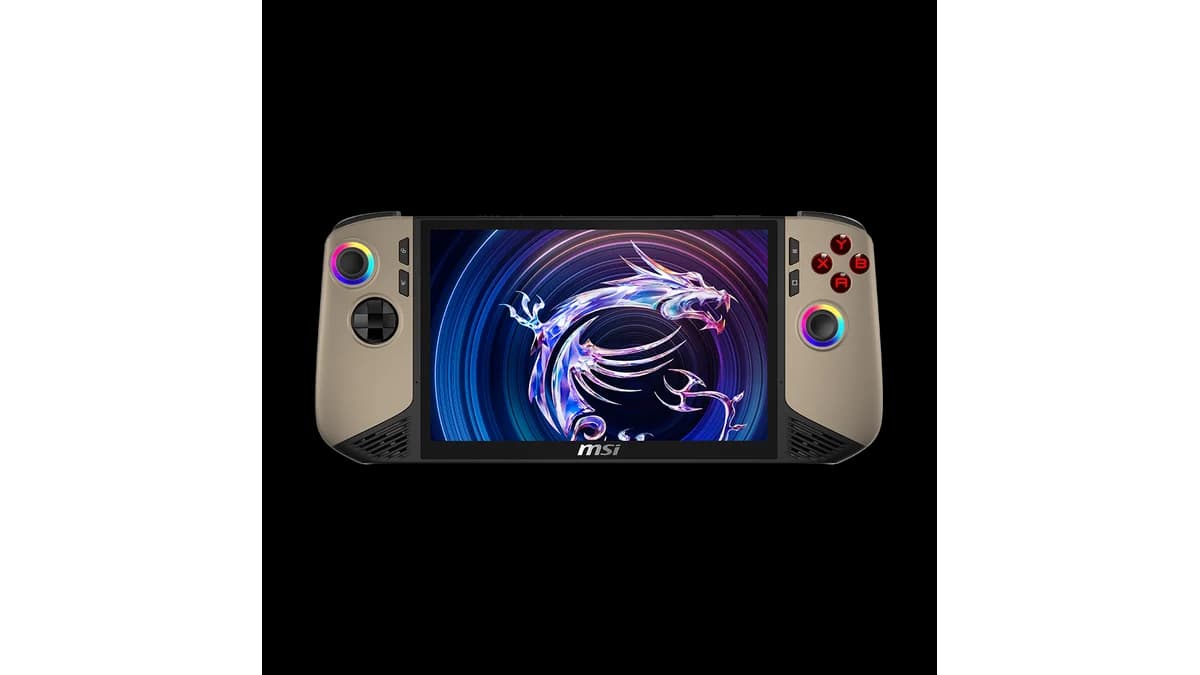
Pick Claw 8 AI+ if: you want 8" Windows with better battery efficiency on Lunar Lake and dual Thunderbolt.
Side-by-side pages: start from the catalog links above or the compare tool.
Pros and Cons
Pros
- Best-in-class major-brand OLED on a Windows handheld
- Detachable TrueStrike pads, kickstand, and FPS mode remain unique
- 74Wh battery and hall sticks are real gen-over-gen wins
- Z2 Extreme + 32GB is strong at 800p with modern upscalers
- Dual USB-C layout supports charge + accessory at once
Cons
- $1,099–$1,350+ is laptop money for a handheld
- ~920g with controllers fatigues long sessions
- Windows 11 + Legion Space still not SteamOS-smooth
- Glossy OLED reflects windows / outdoors at low brightness
- AAA at native 1200p remains a compromise, not a flex
Should You Buy the Lenovo Legion Go 2?
Buy the Go 2 if you specifically want 8.8" OLED + detachable controllers + Windows and will use tabletop / FPS modes enough to justify the mass and price. The base $1,099 Z2 16GB config is the rational entry; Extreme 32GB is for buyers who refuse to leave FPS on the table at 800p.
Skip or wait if you already own a capable Z1 Extreme handheld, hate Windows handheld friction, or primarily play in a bag / commute — Ally X class or Steam Deck OLED will feel less punishing.
Verdict: The Legion Go 2 is the full-featured Windows OLED flagship for people who want more modes, not the best value FPS per dollar. Worth it when detachable pads and the big PureSight panel are non-negotiable. Not worth it as a generic "fastest handheld" flex when lighter, cheaper alternatives play the same games at similar settings.
Where to buy: Lenovo official Legion Go Gen 2 · Best Buy search
Frequently Asked Questions
Is the Lenovo Legion Go 2 worth $1,099?
Yes if you need the 8.8" OLED, detachable controllers, and Windows library in one device. The $1,099 base Z2 / 16GB / 1TB config is the fair entry; Z2 Extreme 32GB units near $1,350 only make sense when you want maximum 800p headroom. If you just want efficient AAA, Ally X class or Steam Deck OLED usually deliver better value.
How long does the Legion Go 2 battery last?
The 74Wh pack typically returns about 2.5–3.5 hours on modern 3D titles at balanced settings and moderate brightness, longer on indie/2D games and shorter at Performance TDP. It improves on the original Go's ~49Wh cell but does not beat Ally X's ~80Wh class for long flights.
Legion Go 2 vs ROG Ally X: which is better?
Legion Go 2 wins on OLED size, detachable controllers, and modular play modes. Ally X class wins on weight, fixed-grip comfort, and often price/efficiency for pure handheld sessions. Choose Go 2 for tabletop flexibility; choose Ally for commute-friendly Windows play.
Does the Legion Go 2 have an OLED screen?
Yes. It uses an 8.8-inch PureSight OLED at 1920×1200 with up to 144Hz and VRR. That is a step down in pixel count from the original Go's 1600p IPS but a clear upgrade in contrast and motion for real handheld game settings.
What chip is in the Lenovo Legion Go 2?
Configs use AMD Ryzen Z2 or Ryzen Z2 Extreme APUs with RDNA 3.5 integrated graphics. Z2 Extreme review units are 8-core/16-thread with a 15–35W configurable TDP and show their biggest gains when games render around 1280×800 rather than full 1200p.
Sources
- Lenovo - Legion Go Gen 2 official product page
- Tom's Hardware - Lenovo Legion Go 2 review (Z2 Extreme benchmarks, battery, display)
- Thurrott - Lenovo Legion Go 2 review (pricing configs)
- Best Buy - Legion Go 2 product listings
Featured image: Lenovo. Product images used under fair use for editorial purposes.