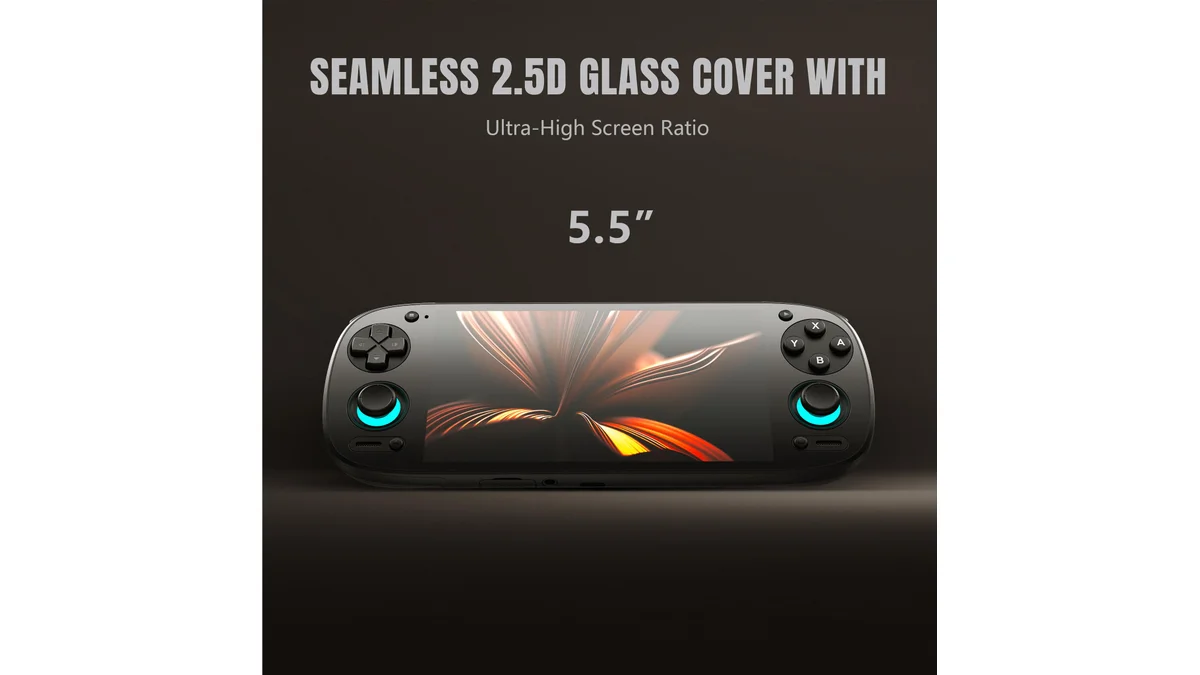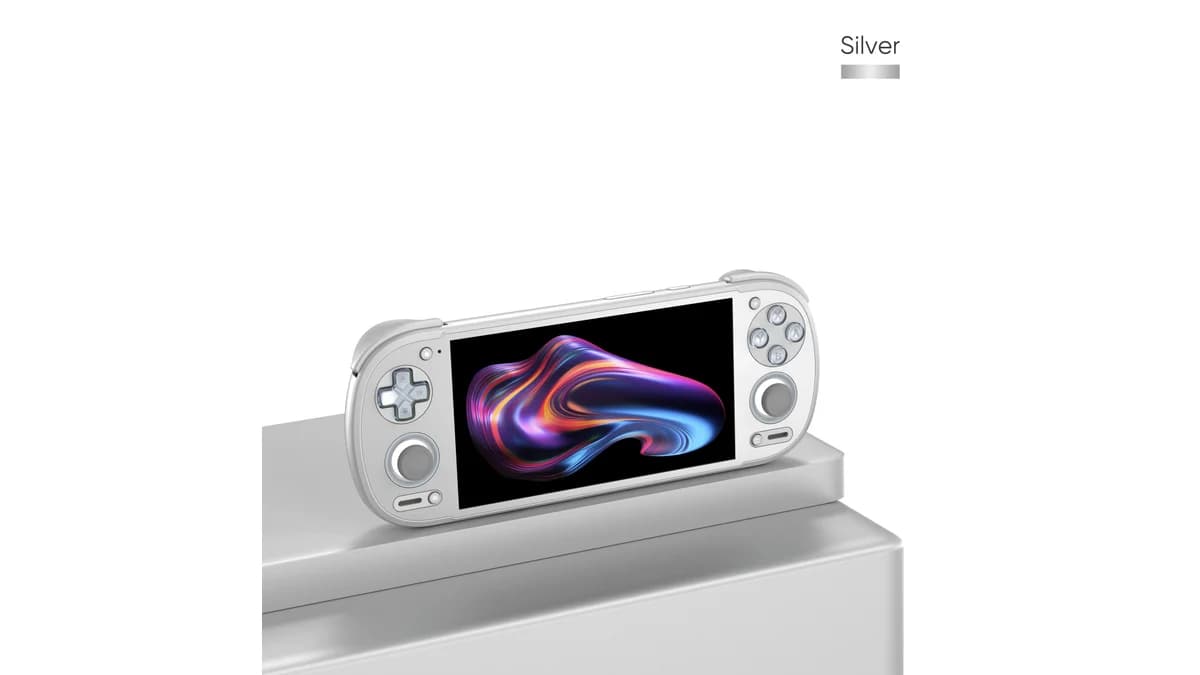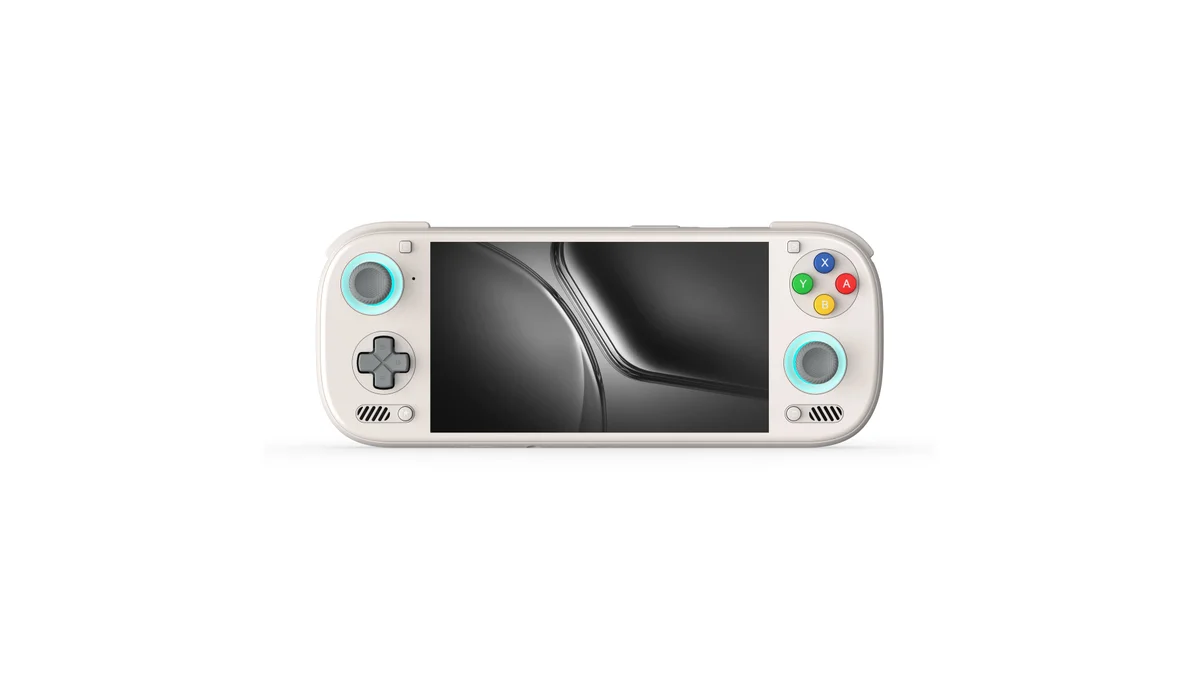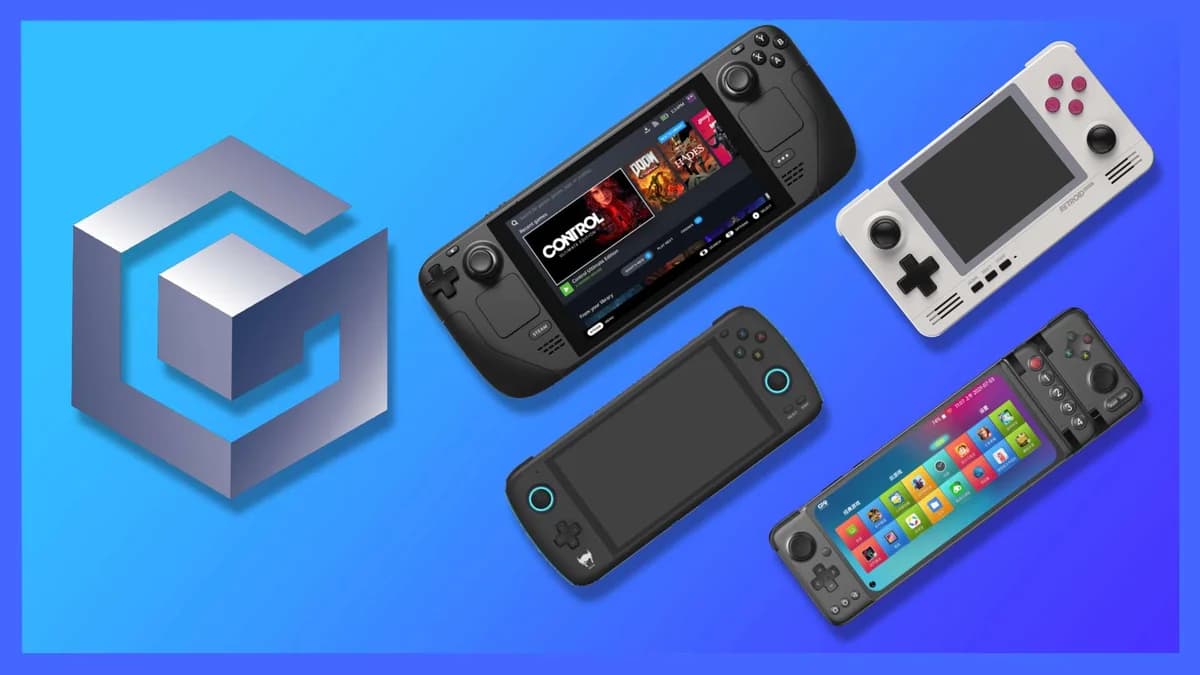
GameCube emulation has reached a sweet spot on modern handhelds. The Dolphin emulator, years of optimization, and powerful mobile chips mean most of the GameCube library runs at full speed on devices like the Retroid Pocket 6 and AYN Odin 3.
This guide covers everything from basic setup to advanced per-game configurations for the best GameCube handheld experience available in 2026.
Hardware Requirements: What You Actually Need
GameCube emulation is more demanding than PS2 but less than Wii U. Here's what different chip levels achieve:
| Device Tier | Example Devices | Performance |
|---|---|---|
| Entry | Retroid Pocket 2S, Miyoo Mini Plus | Limited—2D games only |
| Mid-Range | Retroid Pocket 5, Anbernic RG556 | Most games at 1x native |
| Flagship | Retroid Pocket 6, AYN Odin 2/3 | Full speed at 2-3x resolution |
| Premium | ROG Ally X, Steam Deck | 4x+ resolution, demanding titles |
Minimum for playable GameCube: Snapdragon 865 or equivalent Recommended for best experience: Snapdragon 8 Gen 2 or better
Dolphin Emulator Setup
Android Setup
1. Download Dolphin Get the official Dolphin emulator from the Play Store or directly from dolphin-emu.org for the latest version.
2. Initial Configuration
- Graphics Backend: Vulkan (faster than OpenGL on modern devices)
- Internal Resolution: Start at 1x Native (640x528), increase if performance allows
- Aspect Ratio: Force 16:9 for widescreen patches, Auto for original 4:3
- Anisotropic Filtering: 2x or 4x (minimal performance impact)
3. Controller Mapping Dolphin should auto-detect your handheld's controls. Verify:
- Left stick mapped to main analog
- Right stick mapped to C-stick
- L/R triggers properly mapped (not just buttons)
- D-pad functional for games that use it
Windows Setup
1. Download Dolphin Get the latest stable build from dolphin-emu.org.
2. Graphics Configuration
- Backend: Direct3D 12 or Vulkan (test both—some games prefer one)
- Adapter: Select your iGPU (usually AMD or Intel integrated)
- V-Sync: Off for lower latency (enable if you get screen tearing)
3. Advanced Settings
- Compile Shaders Before Starting: Reduces stutter (slightly longer load times)
- Skip Duplication Frames: Enable for 60fps games on 120Hz displays
Optimal Settings by Device
Retroid Pocket 6 / Snapdragon 8 Gen 2 Devices
Graphics:
- Internal Resolution: 2x (1280x1056)
- Anti-Aliasing: Off
- Anisotropic Filtering: 4x
- Backend: Vulkan
Hacks:
- Skip EFB Access from CPU: Off (most games need this)
- Store EFB Copies to Texture Only: On
- Texture Cache: Fast
Performance:
- Expect 60fps in most games
- Some demanding titles (Rogue Squadron) may need 1x resolution
AYN Odin 3 / Snapdragon 8 Elite Devices
Graphics:
- Internal Resolution: 3x (1920x1584)
- Anti-Aliasing: 2x MSAA (if desired)
- Anisotropic Filtering: 8x
- Backend: Vulkan
Advanced:
- GPU Texture Decoding: On
- Force Texture Filtering: Off (unless you want "smoothed" look)
Steam Deck / Windows Handhelds
Graphics:
- Internal Resolution: 2x-3x depending on game
- Backend: Vulkan or Direct3D 12
- Ubershaders:** Async (prevents shader compilation stutter)
Power Settings:
- Set TDP to 10-12W for most GameCube games
- Higher TDP (15W+) only for most demanding titles
Per-Game Configuration Database
These settings are verified on Snapdragon 8 Gen 2 devices:
Metroid Prime (Trilogy)
Status: Playable at full speed
Recommended Settings:
- Internal Resolution: 2x (3x on Odin 3)
- Enable "Store EFB Copies to Texture Only"
- Use "Prime Hack" fork for mouse-style camera control (optional)
Notes:
- One of the best-looking games when upscaled
- Prime Hack transforms controls to mouse-look—highly recommended
- Metroid Prime 2: Echoes more demanding, stick to 2x resolution
The Legend of Zelda: Wind Waker
Status: Perfect
Recommended Settings:
- Internal Resolution: 2x-3x
- Enable Widescreen Hack (16:9)
- Hyrule Speed Hack: Optional (reduces lag in Hyrule Field)
Notes:
- Cell-shaded art style scales beautifully to higher resolutions
- Widescreen hack works nearly perfectly—minimal artifacts
- One of the best showcases for handheld GameCube emulation
The Legend of Zelda: Twilight Princess
Status: Playable with minor issues
Recommended Settings:
- Internal Resolution: 2x (performance varies by area)
- Store EFB Copies to Texture Only: Off (causes lens flare issues)
- Safe Texture Cache: Fast
Notes:
- More demanding than Wind Waker
- Some slowdowns in Hyrule Field on less powerful devices
- Wii version slightly easier to emulate (higher native resolution)
Super Smash Bros. Melee
Status: Perfect (competitive play viable)
Recommended Settings:
- Internal Resolution: 2x minimum (UI is low-res at 1x)
- Enable Dual Core: On
- Enable Idle Skipping: On
Notes:
- Fully playable for competitive use (with proper controller)
- 60fps locked on Snapdragon 8 Gen 2+
- UCF (Universal Controller Fix) available for emulation—essential for tournament accuracy
F-Zero GX
Status: Playable, demanding
Recommended Settings:
- Internal Resolution: 1x or 2x (test based on overclock comfort)
- Disable EFB Copies to Texture Only
- Enable V-Sync to prevent screen tearing at high speeds
Notes:
- One of the most demanding GameCube games
- 60fps is achievable but may need 1x resolution on mid-range devices
- Worth the effort—still one of the best racing games ever made
Rogue Squadron II/III
Status: Difficult, some devices struggle
Recommended Settings:
- Internal Resolution: 1x (these games are extremely demanding)
- Backend: Try both Vulkan and OpenGL
- Enable all recommended speed hacks
Notes:
- Factor 5's Factor 5's custom microcode is challenging to emulate
- Factor 5 games historically difficult for Dolphin
- May not reach full speed on even flagship Android devices
- Playable on Windows handhelds at 15W+ TDP
Pikmin 1 & 2
Status: Perfect
Recommended Settings:
- Internal Resolution: 2x-3x
- Widescreen hack works well
- Enable "Force 24-bit Color" for cleaner textures
Notes:
- Excellent touchscreen candidates for stylus-style control (use capacitive stylus)
- Relaxing games perfect for handheld play
Resident Evil 4 (GameCube)
Status: Perfect
Recommended Settings:
- Internal Resolution: 2x minimum
- Widescreen hack available
- HD Texture packs available (require more RAM)
Notes:
- HD remaster exists, but GameCube version has different atmosphere
- Texture packs can modernize the visuals significantly
Advanced Tips
Widescreen Hacks
Many GameCube games have community widescreen patches that render in 16:9 instead of 4:3:
How to enable:
- Graphics > Advanced > Widescreen Hack: On
- Some games need AR codes for perfect implementation
- Check Dolphin wiki for per-game compatibility
Best widescreen experiences:
- Wind Waker: Nearly perfect
- Metroid Prime: Excellent
- Twilight Princess: Good with minor artifacts
- Smash Bros. Melee: Perfect (no HUD elements to stretch)
HD Texture Packs
Community texture packs replace low-resolution original textures with modern equivalents:
Best supported games:
- The Legend of Zelda: Twilight Princess (complete overhaul available)
- Super Mario Sunshine
- Metroid Prime
- Resident Evil 4
Requirements:
- 8GB+ RAM recommended
- More powerful GPU for high-res textures
- Significant storage space (packs can be 1GB+)
Installation:
- Download pack from Dolphin forums or GitHub
- Place in /load/textures/[GameID]/
- Enable "Load Custom Textures" in Graphics > Advanced
Save States vs. In-Game Saves
Dolphin save states:
- Convenient but can be unstable in some games
- May not work across Dolphin versions
- Use for quick saves during gameplay
Memory card emulation:
- More reliable long-term
- Use for completed game saves
- Create virtual memory card in Config > GameCube
Troubleshooting Common Issues
Black Screen or Crash on Boot
Solutions:
- Verify your game dump (bad rips cause many issues)
- Try different graphics backend (Vulkan vs OpenGL)
- Disable all graphics enhancements (start at native)
- Update to latest Dolphin version
Audio Stuttering/Crackling
Causes and fixes:
- Usually indicates performance issues (not audio-specific)
- Lower internal resolution
- Disable audio stretching if enabled
- Try different audio backend (Cubeb vs OpenAL)
Controller Not Responding
Android:
- Re-map in Dolphin's controller settings
- Ensure "Emulate the GameCube Bluetooth Adapter" is disabled for most games
Windows:
- Check Steam Input isn't interfering (disable for Dolphin)
- Verify XInput is selected, not DInput
Performance Drops in Specific Areas
Many GameCube games have known demanding sections:
- Twilight Princess: Hyrule Field
- Metroid Prime: Areas with heavy particle effects
- Rogue Squadron: Any level with many ships
Solutions:
- Temporary resolution reduction
- Enable frame skip (last resort)
- Accept minor slowdown (usually brief)
The Best GameCube Handhelds in 2026
Based on Dolphin performance testing:
1. Retroid Pocket 6 ($229)
Best balance of price and performance. Handles 95% of the library at 2x resolution. 120Hz display eliminates screen tearing without V-Sync penalties.
2. AYN Odin 3 ($329)
Maximum Android performance. 3x resolution on most games. 8,000mAh battery provides 6-8 hours of GameCube gaming.
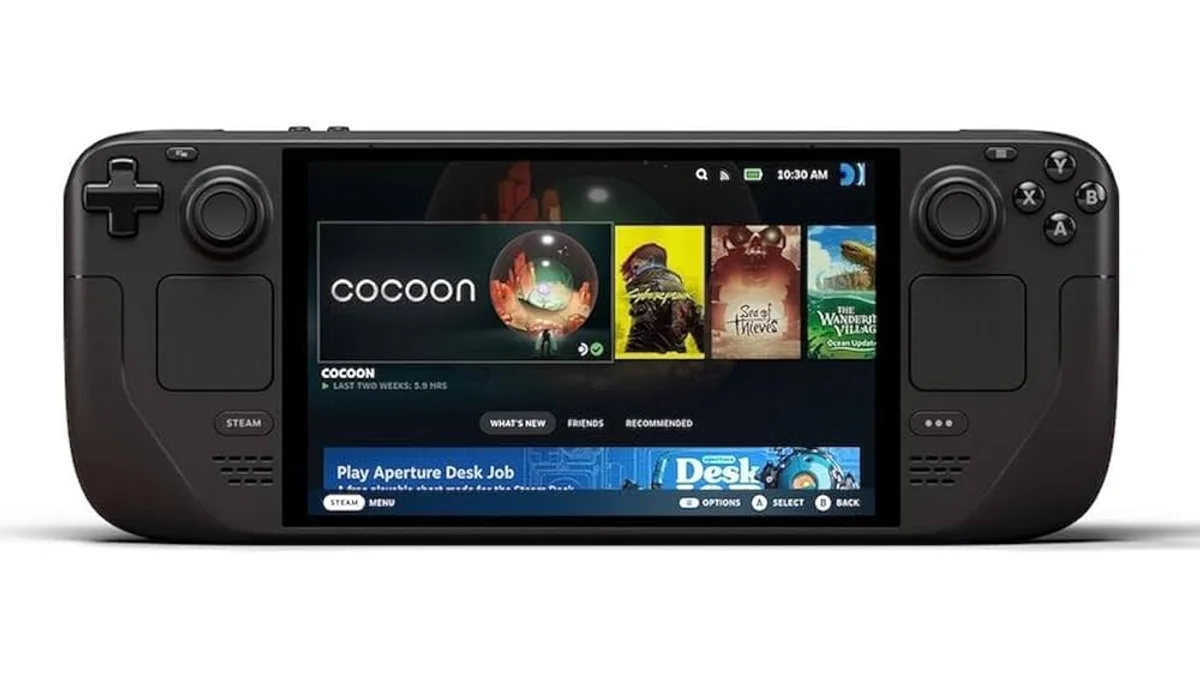
3. Steam Deck OLED ($549)
Best for demanding titles. Linux Dolphin builds are mature. Steam Deck handles even Rogue Squadron acceptably at 15W TDP.
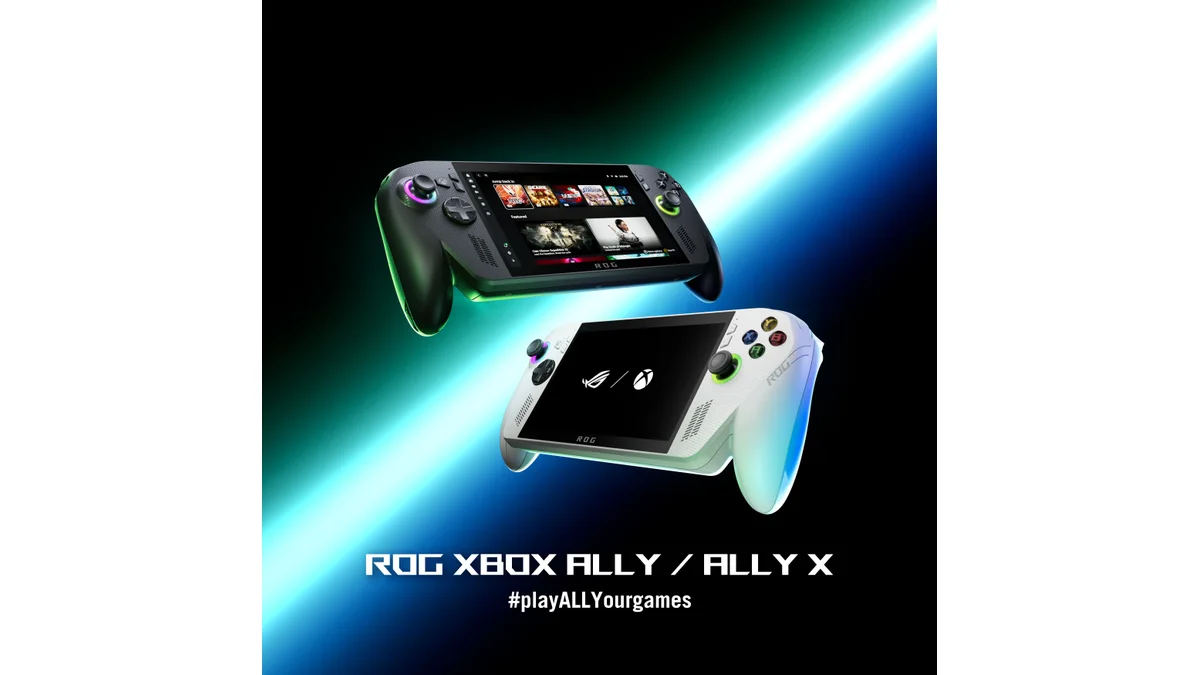
4. ROG Ally X ($999)
Overkill but excellent. If you want 4x resolution and HD texture packs, this is the device. Most people don't need this for GameCube specifically.
Conclusion
GameCube emulation on handhelds has never been better. The combination of mature Dolphin builds and powerful mobile chips (Snapdragon 8 Gen 2 and up) means the majority of the GameCube library is playable at enhanced resolutions on affordable devices.
The Retroid Pocket 6 is our top recommendation for GameCube specifically—the 120Hz AMOLED display is transformative for these games, and the performance hits the sweet spot for 2x upscaling.
Start with Wind Waker or Metroid Prime to see what handheld GameCube emulation can achieve in 2026. It's remarkable how good these games look and play on devices that fit in your pocket.