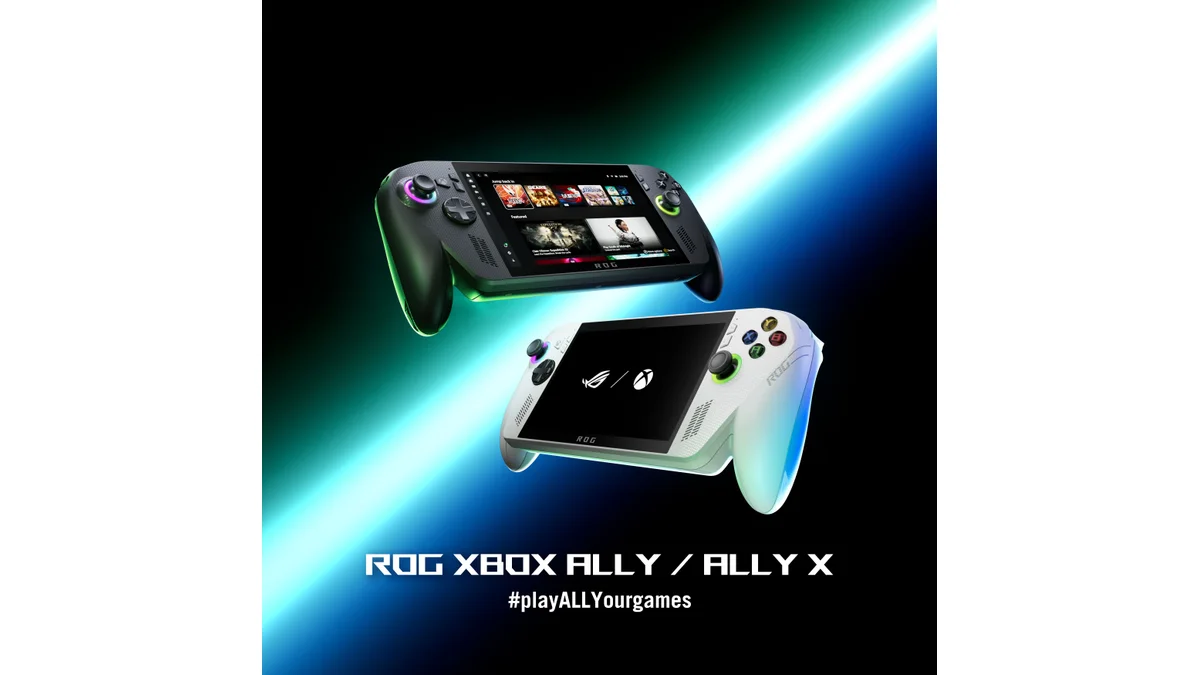
Buy the UGREEN Nexode 20,000mAh 130W if you want one power bank for a Steam Deck, Switch 2, or ROG Xbox Ally. One USB-C port can deliver up to 100W, so it has room for a 65W handheld without requiring you to buy a much larger bank. Choose Anker's 25K if you want more capacity and built-in cables, or the UGREEN 10K if you're mainly topping up between sessions.
These are picks based on manufacturer specs and exact US listings, not hands-on runtime tests. Current Amazon offers are shown when available. As an Amazon Associate, Handheld Finder earns from qualifying purchases. See the Black Friday handheld roundup for the console deals.
The three power banks I'd shortlist
| Pick | Capacity | Output to one handheld | Amazon US |
|---|---|---|---|
| Best for one handheld: UGREEN Nexode 20K 130W | 20,000mAh / 72Wh | Up to 100W on USB-C1 | Check Amazon |
| More capacity and built-in cables: Anker Laptop Power Bank A1695 | 25,000mAh / 90Wh | Up to 100W on one USB-C connection | Check Amazon |
| Compact top-ups: UGREEN Nexode Pro Mini 10K 45W (gray) | 10,000mAh | Up to 45W | Check gray 45W model on Amazon |
UGREEN Nexode 20K 130W: the one I'd buy
On this smart-display model, USB-C1 is rated up to 100W and USB-C2 up to 30W. Use C1 for the handheld, especially an ROG Xbox Ally X. The 130W headline is the bank's combined maximum, not what one device gets. If you're charging two devices, check the exact port combination before counting on the same output you get with one. This pick is the linked model without a built-in cable; take your own USB-C cable.
Anker A1695 25K 165W: more energy for long trips
The A1695 is a 90Wh bank with built-in USB-C cables. It can supply up to 100W on one USB-C connection; the advertised 165W is shared across outputs. Buy it for the extra stored energy and the convenience of having the cable attached, not because it makes a 45W handheld charge at 165W. If you already carry a 20K bank that charges your handheld properly, the upgrade won't necessarily be worth the extra size and cost.
UGREEN Nexode Pro Mini 10K 45W: a top-up, not a full-day pack
The linked gray Amazon model is the 45W variant with a built-in USB-C cable. Double-check the selection; other variants on the listing have different output ratings. It makes sense if you want a smaller bank for a Steam Deck OLED or Switch 2 and don't mind carrying less energy. Its maximum output is below the ROG Xbox Ally's stock 65W supply, so I wouldn't pick it for keeping an Ally going under a heavy load. The bank may still provide power at a lower rate, depending on what the handheld negotiates and how much power it's using.
Handheld Finder newsletter
New handhelds, buying guides, and deals in your inbox.
Current Amazon US prices
UGREEN Nexode 20K 130W (72Wh)
Check AmazonAnker A1695 25K 165W (90Wh, black)
Check AmazonUGREEN Nexode Pro Mini 10K 45W (gray)
Check Amazon
No current price available here. Check Amazon for price and availability.
How to match a bank to your handheld
Start with the USB-C Power Delivery rating of your device's stock charger. That tells you what class of supply to shop for, not what the handheld draws constantly.
| Handheld | Practical shopping target |
|---|---|
| Steam Deck OLED | Valve includes a 45W USB-C PD adapter and lists a 50Wh battery. Look for a port that offers USB-C PD at 45W or more, not a bank whose USB ports merely total 45W. |
| ROG Xbox Ally / Ally X | ASUS lists a 65W USB-C PD adapter at 20V/3.25A for both the Xbox Ally and Xbox Ally X. Pick a port that supports at least that output and a 5A electronically marked USB-C cable, rated for 100W or more, to go beyond 60W. |
| Nintendo Switch 2 | For handheld charging, choose a USB-C PD bank with a 15V profile. Nintendo's documentation treats dock power separately and specifies at least 54W for a compatible dock supply. Don't buy a travel power bank assuming it will run the dock. |
Use the bank's strongest USB-C output and check the fine print for supported voltage/current profiles. A 100W port is useful for a 65W handheld only if it can offer the profile the device accepts. Adding a second device can change that port's output. If the battery still drains during a game, try the stronger port or a compatible cable, unplug other devices, or lower the handheld's performance setting.
How much extra play time will you get?
Compare watt-hours, not milliamp-hours alone. Watt-hours are energy capacity; watts are charging power. The printed Wh number on a bank is its stored energy, not what reaches the console after voltage conversion and charging losses. A 90Wh bank therefore won't deliver 90Wh of gaming. The same pack will last longer with a light indie game than with a demanding PC game at high power. Treat any exact extra-hours claim without a game, power setting, and test method as a guess.
Example, not a test result: If a USB-C meter shows 60Wh usable from the bank and the handheld averages 20W at its USB input during a play session, 60Wh ÷ 20W is about three hours of external power. Use USB input watts in that calculation, not the chip's TDP setting.
If you're flying, check the label and your operating airline before packing. The FAA's US passenger guidance says to carry power banks in your carry-on, protect them against damage and short circuit, and generally keep them at 100Wh or below. Individual airlines may impose tighter quantity, storage, or onboard-use rules. Delta, for example, lists a limit of two power banks rated up to 100Wh. Permission to bring a bank isn't permission to use it in flight.
Still shopping for the handheld itself? Compare device specs side by side or use the picker to narrow your list by games and budget.