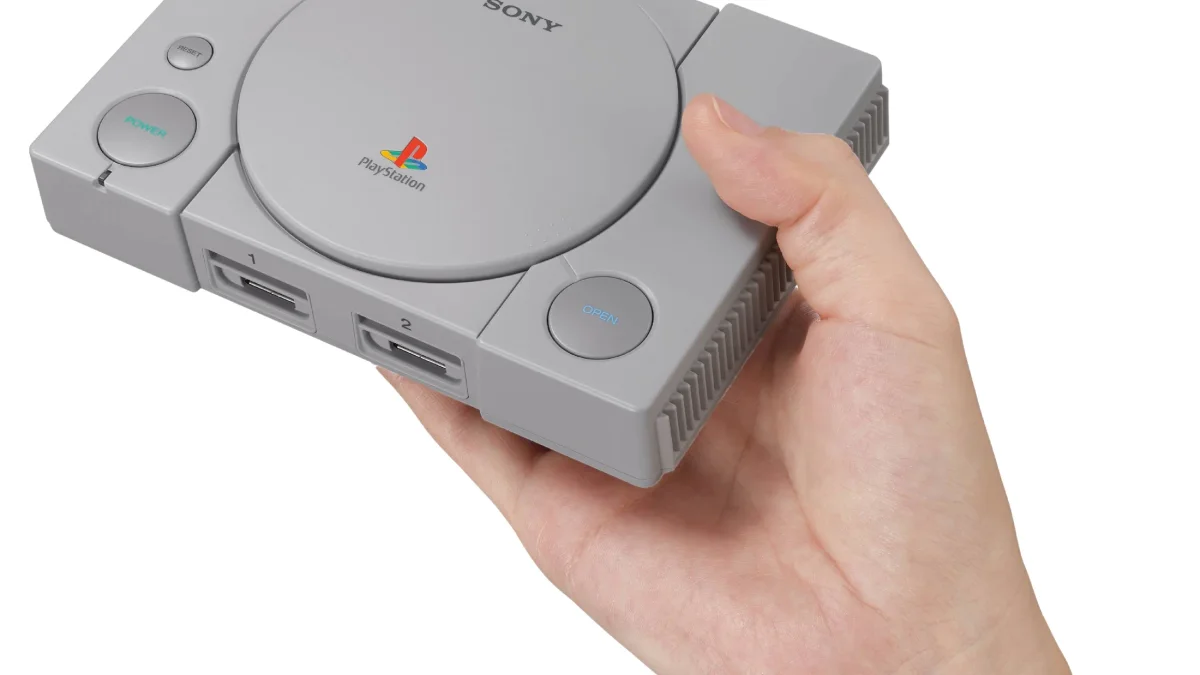
The PlayStation 1 remains one of the most beloved gaming systems of all time, with a library spanning JRPGs like Final Fantasy VII, action games like Metal Gear Solid, and platformers like Crash Bandicoot. In 2026, handheld emulation has matured to the point where flawless PS1 gaming fits in your pocket for as little as $60—or less during sales.
This guide focuses specifically on PS1 emulation excellence. Unlike guides covering every system up to PS2 or GameCube, we're optimizing for the best PS1 experience: perfect 4:3 aspect ratio displays, quality D-pads for classic controls, reliable save states, and fast-forward features to skip repetitive grinding.
Why PS1 Emulation Demands Specific Features
While technically any modern handheld can run PS1 games, the best experience requires specific hardware choices:
The 4:3 Screen Advantage
Original PS1 games output at a 4:3 aspect ratio. Playing on 16:9 handhelds creates black bars on the left and right sides, wasting screen real estate. 4:3 displays fill the entire screen with your game, making text readable and details crisp without stretching or cropping.
Key 4:3 devices in this guide:
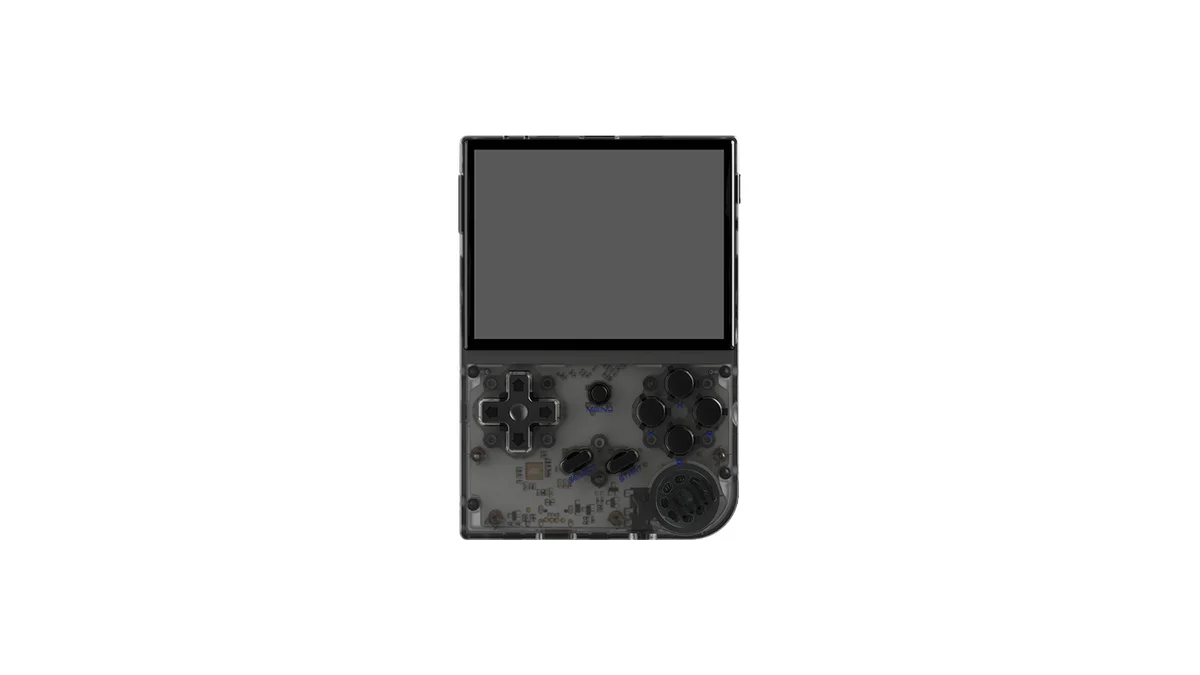
- Anbernic RG35XX Plus/SP/H (3.5" 4:3 IPS)
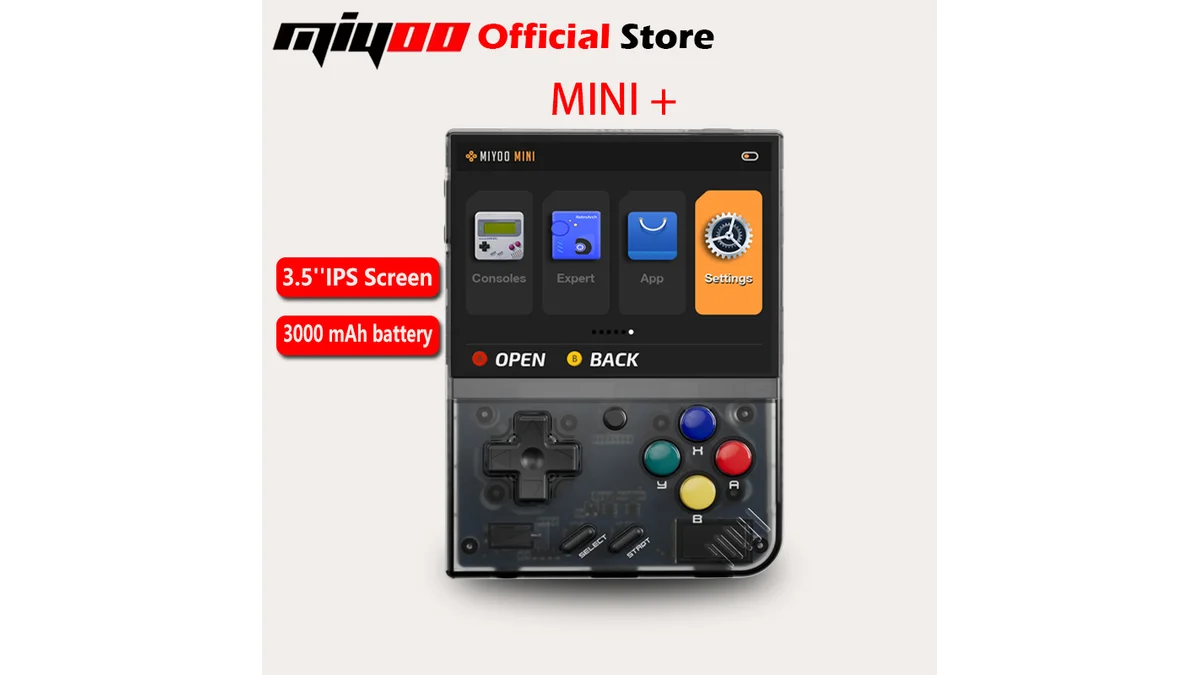
- Miyoo Mini Plus (3.5" 4:3 IPS)
- TrimUI Smart Pro (4" 4:3 IPS)
- Retroid Pocket 2S (3.5" 4:3 IPS)
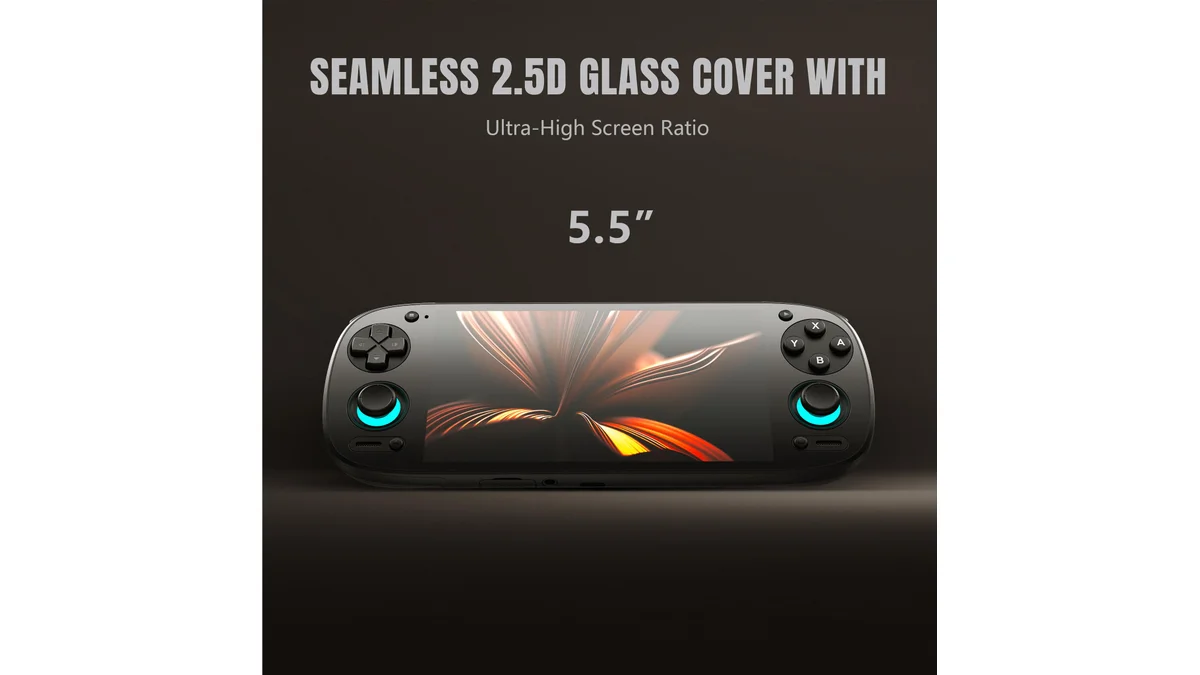
The Retroid Pocket 5 uses a 5.5" 16:9 display—excellent for modern gaming but requiring compromises for PS1 (either black bars or stretched output).
Essential Emulator Features
Save States let you freeze gameplay at any moment and resume later—perfect for JRPGs before difficult boss battles or during save-limited sections. All devices here support save states through RetroArch or standalone emulators like DuckStation.
Fast-Forward (turbo/speedup) eliminates grinding in RPGs by accelerating gameplay 2x, 4x, or even 16x. Essential for random encounters in Final Fantasy or leveling in Dragon Quest. Mapped to shoulder buttons on all recommended devices.
Rewind functions let you undo mistakes—great for difficult platforming sections or missed shots in Metal Gear Solid.
The D-Pad Difference
PS1 games were designed for digital controls. Many require precise D-pad inputs for:
- Menu navigation in JRPGs
- 2D platformers (Castlevania: Symphony of the Night)
- Fighting games (Tekken, Street Fighter Alpha)
- Precise movement in Metal Gear Solid
A mushy or imprecise D-pad ruins the experience. Our recommendations prioritize quality membrane or conductive rubber D-pads with proper pivot mechanisms.
Quick Comparison: PS1 Handhelds at a Glance
| Device | Price | Screen | Aspect | Battery | Best For |
|---|---|---|---|---|---|
| Anbernic RG35XX Plus | $64-75 | 3.5" IPS | 4:3 | 5-7 hrs | Best overall value |
| Anbernic RG35XX SP | $85-95 | 3.5" IPS | 4:3 | 4-6 hrs | Clamshell protection |
| Anbernic RG35XX H | $75-85 | 3.5" IPS | 4:3 | 5-7 hrs | Analog stick games |
| Miyoo Mini Plus | $60-70 | 3.5" IPS | 4:3 | 4-6 hrs | Maximum portability |
| Retroid Pocket 2S | $99-119 | 3.5" IPS | 4:3 | 5-7 hrs | Android flexibility |
| Retroid Pocket 5 | $199-229 | 5.5" OLED | 16:9 | 5-8 hrs | Multi-system future |
| TrimUI Smart Pro | $65-75 | 4.0" IPS | 4:3 | 4-6 hrs | Large screen budget |
All devices run PS1 at full speed with upscaling through PCSX-ReARMed (RetroArch), DuckStation, or standalone emulators.
Price Tiers Explained
Budget Tier ($60-75): Pure PS1 Excellence
Anbernic RG35XX Plus, Miyoo Mini Plus, TrimUI Smart Pro
These devices use the Allwinner H700 or similar chipsets delivering flawless PS1 performance. They lack power for PS2 or GameCube but excel at PS1 and earlier systems. Each offers:
- Perfect 4:3 aspect ratio
- Quality IPS displays
- 4-7 hour battery life
- Robust save state support
- Fast-forward mapping
Best choice: Anbernic RG35XX Plus for build quality, Miyoo Mini Plus for portability, TrimUI Smart Pro for largest 4:3 screen at this price.
Mid-Range Tier ($75-99): Added Features
Anbernic RG35XX SP, RG35XX H, Retroid Pocket 2S
This tier adds premium features:
- RG35XX SP: Clamshell protection, nostalgic GBA SP design
- RG35XX H: Dual analog sticks for Ape Escape, dual-shock required games
- Retroid Pocket 2S: Full Android OS, app store access, streaming capabilities
The Retroid Pocket 2S particularly shines for users wanting PS1 plus Android gaming, cloud streaming, or app flexibility beyond dedicated emulation.
Premium Tier ($199+): Future-Proofing
Retroid Pocket 5
While the 16:9 display isn't ideal for PS1, the Retroid Pocket 5 handles everything from PS1 through PS2, GameCube, and even some Switch titles. If you plan to expand beyond PS1, the OLED display and Snapdragon 865 power justify the premium.
For pure PS1 gaming, this is overkill—but for multi-system emulation with modern features, it's unmatched.
Detailed Device Reviews for PS1
Anbernic RG35XX Plus: The Sweet Spot
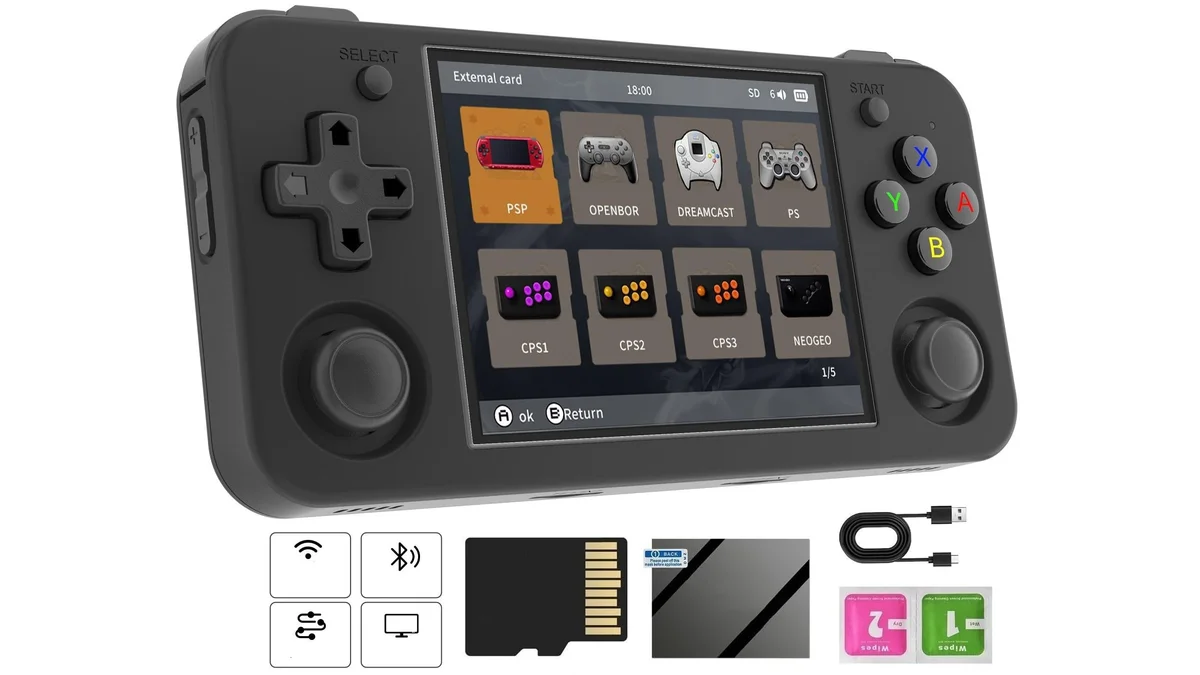
The RG35XX Plus represents the best balance of price, performance, and polish for dedicated PS1 gaming. Anbernic's GarlicOS (or optional muOS) provides a refined interface purpose-built for retro gaming.
PS1-Specific Highlights:
- Screen: 3.5" 640×480 IPS display—perfect integer scaling for PS1's 240p/480i output
- D-Pad: Membrane design with excellent pivot, rivals official Nintendo quality
- Save States: Multiple slots per game in GarlicOS
- Fast-Forward: Mapped to R2 by default, adjustable speed
- Battery: 3,300mAh delivers 5-7 hours of PS1 gaming
The RG35XX Plus uses the Allwinner H700 quad-core ARM Cortex-A53 processor. For PS1 emulation, this provides enough headroom for:
- Full 60fps in all tested titles
- Upscaling to 2x internal resolution for sharper 3D graphics
- Texture filtering and dithering options
- Save state creation in under 1 second
Price: $64-75 depending on retailer and sales
Best For: Users wanting the most polished PS1 experience without breaking the bank. The vertical form factor fits pockets easily.
Anbernic RG35XX SP: Clamshell Protection
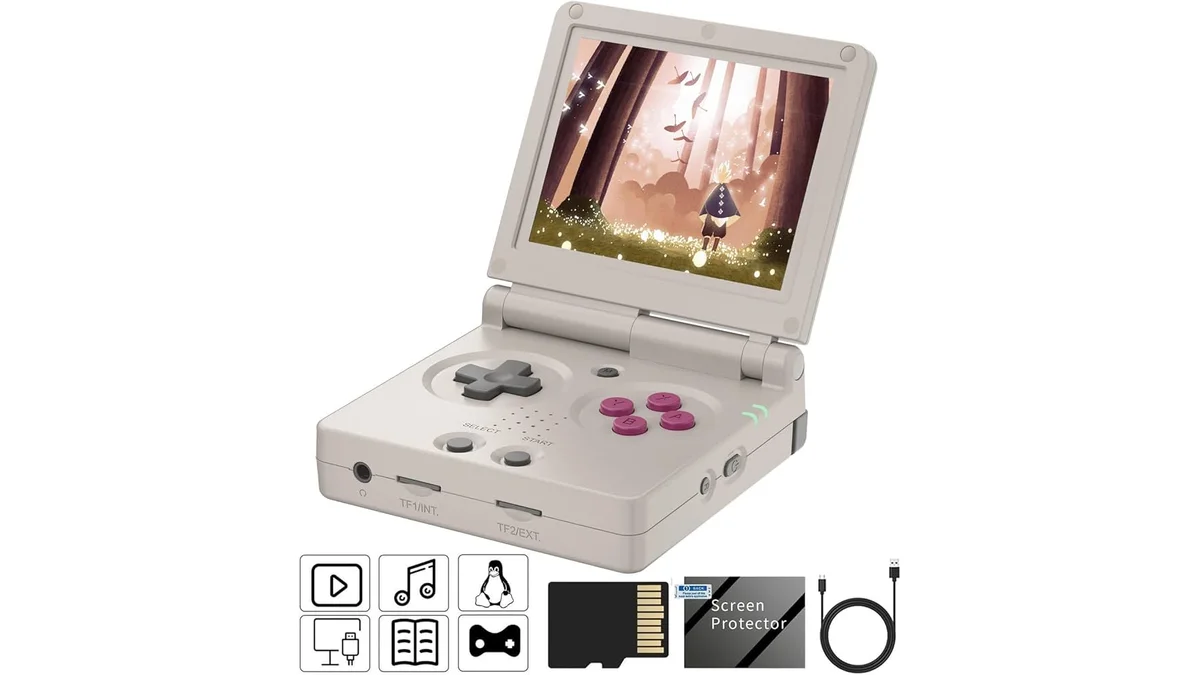
The RG35XX SP delivers identical PS1 performance to the Plus but wraps it in a nostalgic Game Boy Advance SP-style clamshell. The folding design protects the screen during transport—no case required.
PS1-Specific Highlights:
- Screen: Same 3.5" 4:3 IPS as Plus variant
- Controls: No analog sticks—fine for 95% of PS1 library, skip for Ape Escape
- Save States: Full GarlicOS support
- Battery: 3,000mAh (slightly smaller due to hinge mechanism)
Trade-offs:
- No analog sticks (problematic for dual-shock required games)
- Higher price ($85-95)
- Heavier than Plus variant
Best For: Collectors, those wanting screen protection, anyone nostalgic for the GBA SP form factor. The clamshell design is genuinely practical for pocket carry.
Anbernic RG35XX H: Horizontal with Sticks
The RG35XX H reorients the RG35XX into a horizontal layout with dual analog sticks—perfect for games requiring dual-shock input like Ape Escape, MediEvil 2's camera controls, or analog steering in racing games.
PS1-Specific Highlights:
- Analog Controls: Dual sticks enable full dual-shock compatibility
- Screen: Same excellent 3.5" 4:3 IPS
- Ergonomics: Wider grip than vertical variants, better for long sessions
- D-Pad: Slightly different feel due to horizontal layout, still high quality
The RG35XX H plays the entire PS1 library including analog-stick-required titles that frustrate on D-pad-only devices.
Price: $75-85
Best For: Users wanting complete PS1 library compatibility including analog stick games. The horizontal layout suits longer play sessions better than vertical designs.
Miyoo Mini Plus: Maximum Portability
The Miyoo Mini Plus proves that great things come in small packages. At roughly the size of a credit card (but thicker), it delivers full PS1 performance anywhere.
PS1-Specific Highlights:
- Screen: 3.5" 640×480 IPS—same resolution as Anbernic devices
- Portability: Fits in any pocket, even tight jeans
- Battery: 3,000mAh provides 4-6 hours
- OS: OnionOS (community firmware) offers excellent PS1 optimization
- Fast-Forward: Up to 16x speed in RetroArch
Trade-offs:
- Smaller physical size means cramped hands during extended play
- No analog sticks
- Single shoulder buttons (L1/R1 only—no L2/R2)
- Less comfortable for JRPG marathons
Price: $60-70 (frequently on sale for $55)
Best For: Maximum portability. The Mini Plus is the device you carry everywhere "just in case." Perfect for short play sessions, commutes, or waiting rooms.
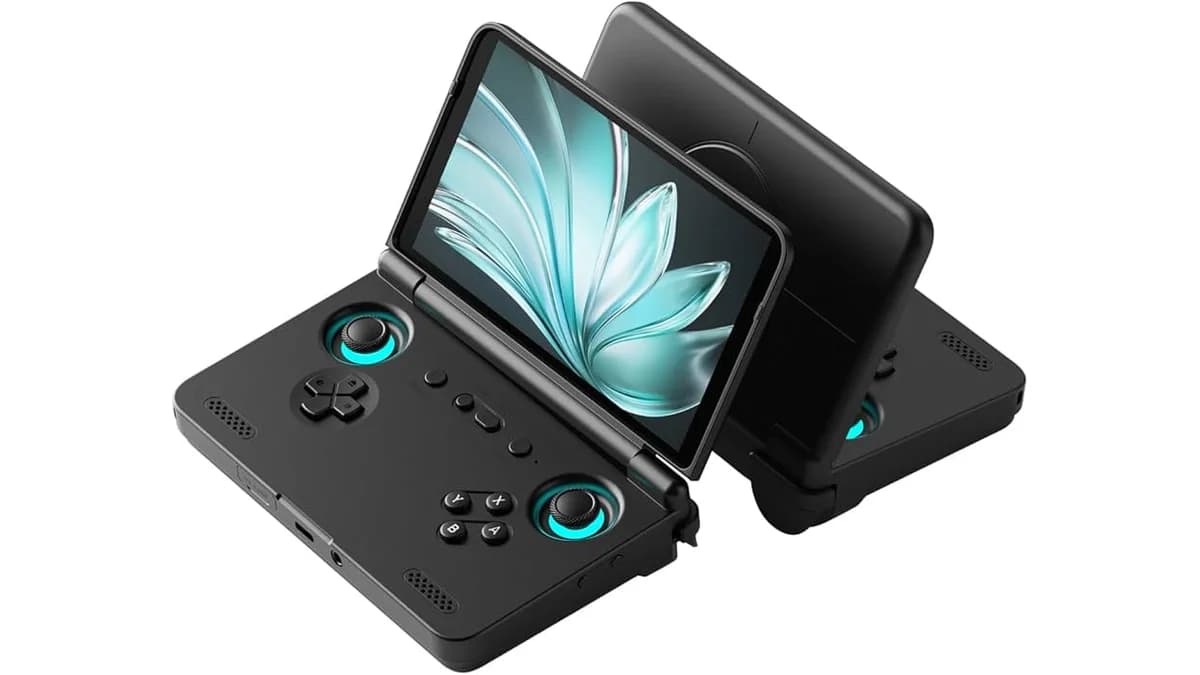
Retroid Pocket 2S: Android Flexibility
The Retroid Pocket 2S brings full Android to the 4:3 handheld form factor. Unlike the Linux-based Anbernic devices, the 2S runs Android 11 with access to the Play Store, streaming apps, and modern Android games.
PS1-Specific Highlights:
- Screen: 3.5" 4:3 IPS—identical specs to competitors
- Android Advantage: DuckStation from Play Store offers best-in-class PS1 emulation
- Streaming: PS Remote Play, Xbox Cloud, Steam Link for modern gaming
- Controls: Dual analog sticks, full dual-shock compatibility
- Fast-Forward: DuckStation offers granular speed control
Android Benefits for PS1:
- DuckStation standalone emulator (best PS1 emulator available)
- Custom shader support for CRT simulation
- Cloud save synchronization
- Cheat database integration
Trade-offs:
- Requires more setup than plug-and-play Linux devices
- Higher price ($99-119)
- Some Android overhead vs. dedicated emulation
Price: $99-119
Best For: Users wanting PS1 plus modern features. The Android ecosystem enables streaming, modern mobile gaming, and the excellent DuckStation emulator.
Retroid Pocket 5: The All-in-One Future
The Retroid Pocket 5 sits at the premium end of PS1-capable devices. Its 5.5" 1080p AMOLED display handles PS1 beautifully despite the 16:9 ratio—just expect black bars or stretched output.
PS1-Specific Highlights:
- Screen: 5.5" 1080p AMOLED—overkill for PS1 but gorgeous
- Power: Snapdragon 865 enables enhanced resolution up to 8x
- Controls: Hall effect sticks and triggers—no drift, premium feel
- Battery: 5,000mAh lasts 5-8 hours depending on settings
For PS1 specifically:
- Black bars on 4:3 games (or stretched/distorted if you prefer)
- Can output to external display via USB-C for big-screen PS1
- DuckStation runs flawlessly with all enhancements
Price: $199-229
Best For: Users planning to play beyond PS1. The Pocket 5 excels at PS2, GameCube, Wii, and even some Switch emulation. If PS1 is your only target, the 16:9 display and high price make this unnecessary—but as a multi-system device, it's exceptional.
TrimUI Smart Pro: Big Screen Budget Option
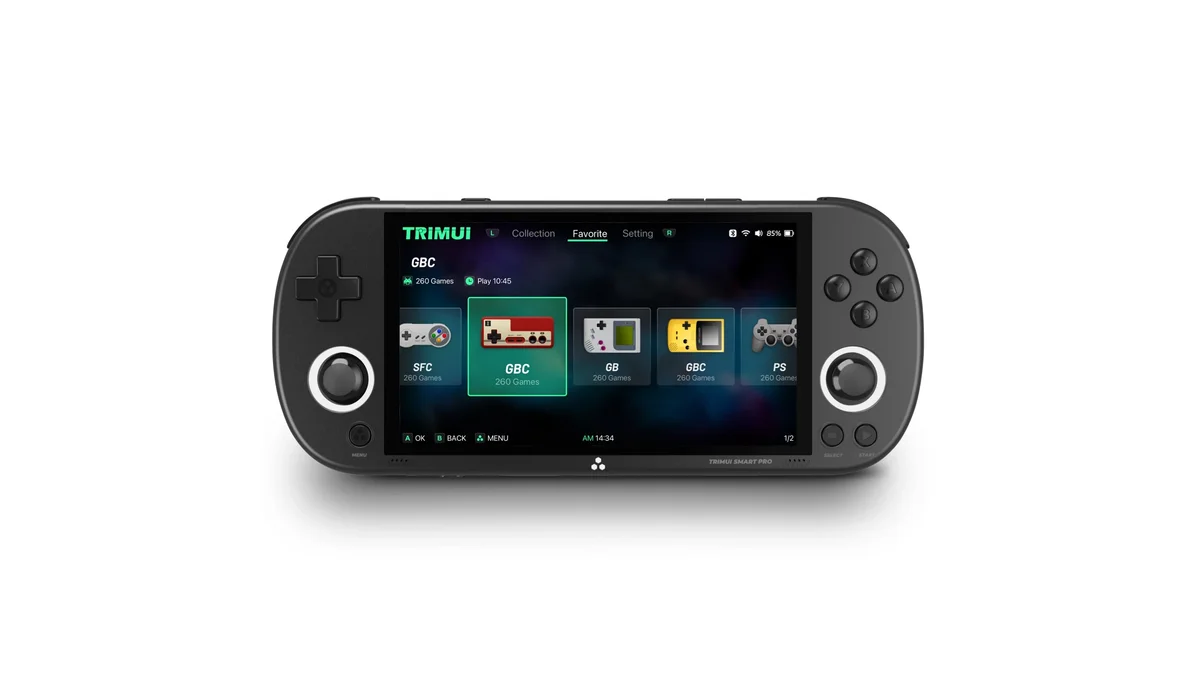
The TrimUI Smart Pro offers the largest 4:3 display in the budget tier at 4 inches. For users finding 3.5" screens too small for detailed PS1 games, this provides better visibility without the 16:9 compromise.
PS1-Specific Highlights:
- Screen: 4.0" 4:3 IPS—largest 4:3 display under $100
- Battery: 4,000mAh provides 4-6 hours
- Performance: Rockchip RK3326S handles PS1 flawlessly
- OS: Custom Linux firmware with RetroArch
Trade-offs:
- Less refined software than Anbernic's GarlicOS
- Thinner D-pad with less travel
- No analog sticks
- Weaker community support than Miyoo or Anbernic
Price: $65-75
Best For: Users prioritizing screen size on a budget. The 4" display makes text-heavy JRPGs more readable than 3.5" alternatives.
Emulators and Configuration
Recommended PS1 Emulators by Device
| Device | Recommended Emulator | Why |
|---|---|---|
| RG35XX (all) | PCSX-ReARMed (RetroArch) | Optimized for ARM, best performance on H700 |
| Miyoo Mini Plus | PCSX-ReARMed (OnionOS) | Excellent optimization in community firmware |
| Retroid Pocket 2S/5 | DuckStation | Best accuracy, upscaling, features on Android |
| TrimUI Smart Pro | PCSX-ReARMed (RetroArch) | Standard RetroArch core |
Optimal Settings for PS1
PCSX-ReARMed (Linux handhelds):
- Internal resolution: 2x (sharper 3D, minimal performance impact)
- Texture filtering: Disabled (keeps pixel art crisp)
- Dithering: Enabled (matches original PS1 aesthetic)
- Frame skip: Disabled (maintains smooth 60fps)
DuckStation (Android devices):
- Renderer: Vulkan for performance, OpenGL for compatibility
- Internal resolution: 3-4x on Retroid Pocket 5 (1-2x on 2S)
- PGXP geometry correction: Enabled (reduces wobbly polygons)
- Widescreen hack: Optional (stretches some games, breaks others)
Save State Strategy
Best Practice: Use a combination approach:
- In-game saves for legitimate progression through memory cards
- Save states before difficult sections, boss fights, or when you need to pause immediately
- Multiple save state slots per game (before different sections)
All recommended devices support at least 10 save state slots per game.
FAQ
Q: Can these handhelds play the entire PS1 library? A: Yes. The Allwinner H700 and Rockchip RK3326S handle 100% of the PS1 library at full speed. The only exceptions are:
- Games requiring analog sticks (Ape Escape) need the RG35XX H or Retroid devices
- Some obscure Japanese titles may have minor compatibility issues in specific emulators
- Multidisc games require emulator-specific setup but work fine
Q: Is the Miyoo Mini Plus or RG35XX Plus better for PS1? A: For PS1 specifically, they're nearly identical in performance. The RG35XX Plus has better build quality, dual shoulder buttons (L1/L2, R1/R2), and a slightly more comfortable D-pad. The Miyoo Mini Plus wins on portability and price. Choose the Plus for ergonomics, the Mini for pocketability.
Q: Do I need a device with analog sticks for PS1? A: For 95% of the library, no. The D-pad works perfectly. However, games like Ape Escape, MediEvil 2, and some racing games benefit from analog input. If you plan to play those specific titles, choose the RG35XX H, Retroid Pocket 2S, or Retroid Pocket 5.
Q: What's the best PS1 emulator for handhelds? A: On Android devices (Retroid), DuckStation is superior with better upscaling, PGXP geometry correction, and more features. On Linux devices (Anbernic, Miyoo), PCSX-ReARMed through RetroArch provides excellent performance with lower overhead.
Q: Can I transfer my save files from PC emulators? A: Yes. Save states are generally not compatible between different emulators, but memory card files (.mcr, .mem) work across emulators. Copy your PC DuckStation or ePSXe memory card to your handheld's BIOS folder and load it in the emulator settings.
Q: How do I set up fast-forward for grinding in JRPGs? A: Most emulators map fast-forward to a shoulder button by default (R2 on RetroArch). In RetroArch, access Quick Menu > Controls to remap. DuckStation on Android allows customizing fast-forward speed (2x-16x) and toggle vs. hold behavior.
Q: What's the cheapest device that plays PS1 perfectly? A: The Miyoo Mini Plus at $60-65 (often on sale for $55) is the cheapest recommendation with full PS1 speed. The TrimUI Smart Pro at $65-75 offers a larger screen. Avoid cheaper devices (sub-$50) as they often lack the CPU power for consistent full-speed PS1.
Q: Should I wait for new devices or buy now? A: The PS1 emulation hardware scene is mature. The Allwinner H700 devices (RG35XX series) and RK3326S devices have been stable for years. Buy now—there's no revolutionary PS1 handheld on the horizon that would make these obsolete.
Q: Can I connect these to a TV for big-screen PS1?
| Device | TV Output | Method |
|---|---|---|
| RG35XX Plus/SP | No | — |
| RG35XX H | No | — |
| Miyoo Mini Plus | No | — |
| Retroid Pocket 2S | Yes | USB-C to HDMI adapter |
| Retroid Pocket 5 | Yes | USB-C to HDMI or wireless casting |
| TrimUI Smart Pro | No | — |
Only the Retroid devices offer TV output. For big-screen PS1, consider the Retroid Pocket 5 with its wireless casting capabilities.
Q: What's the battery life impact of fast-forward and save states? A: Fast-forward increases power consumption significantly—expect 30-40% shorter battery life when holding fast-forward constantly. Save states have minimal impact (under 1% battery per save). For longest battery life, use fast-forward sparingly and rely on in-game saves when possible.
Verdict: The Best PS1 Handheld for You
Best Overall: Anbernic RG35XX Plus ($64-75) The perfect balance of price, performance, build quality, and 4:3 display. The GarlicOS interface is polished, the D-pad is excellent, and PS1 runs flawlessly. This is the device we recommend to most buyers.
Best for Portability: Miyoo Mini Plus ($60-70) If you want a device that truly goes everywhere, the Mini Plus is unbeatable. The credit-card footprint fits any pocket, and OnionOS provides excellent PS1 emulation. Just expect hand cramps during marathon sessions.
Best for Analog Games: Retroid Pocket 2S ($99-119) Games requiring dual-shock input demand analog sticks. The Retroid Pocket 2S provides these in a 4:3 form factor, plus the flexibility of Android and DuckStation's superior emulation.
Best Premium Option: Retroid Pocket 5 ($199-229) For users who will eventually explore PS2, GameCube, or want modern Android gaming, the Pocket 5 justifies its price. Just accept the 16:9 display's black bars for 4:3 PS1 content.
Best for Clamshell Lovers: Anbernic RG35XX SP ($85-95) The nostalgic GBA SP design isn't just novelty—the clamshell genuinely protects your screen. Performance matches the Plus; you're paying for form factor and protection.
Best Big Screen Budget: TrimUI Smart Pro ($65-75) The 4" display is noticeably larger than 3.5" alternatives, making it ideal for text-heavy JRPGs. Build quality and software lag behind Anbernic, but the screen size impresses.
Bottom Line: For dedicated PS1 gaming in 2026, you can't go wrong with any device on this list. The Anbernic RG35XX Plus hits the sweet spot for most users, while the Miyoo Mini Plus offers maximum portability. Android enthusiasts should gravitate to the Retroid Pocket 2S. Regardless of choice, flawless PS1 emulation awaits in your pocket.
Sources
- Retro Game Corps: RG35XX Setup Guide
- Retro Handhelds: Miyoo Mini Plus Review
- Retro Handhelds: TrimUI Smart Pro Review
- DROIX: Retroid Pocket 5 Review
- DROIX: Retroid Pocket 2S Review
- Anbernic Official Specifications
- DuckStation Documentation
- RetroArch PCSX-ReARMed Core Documentation