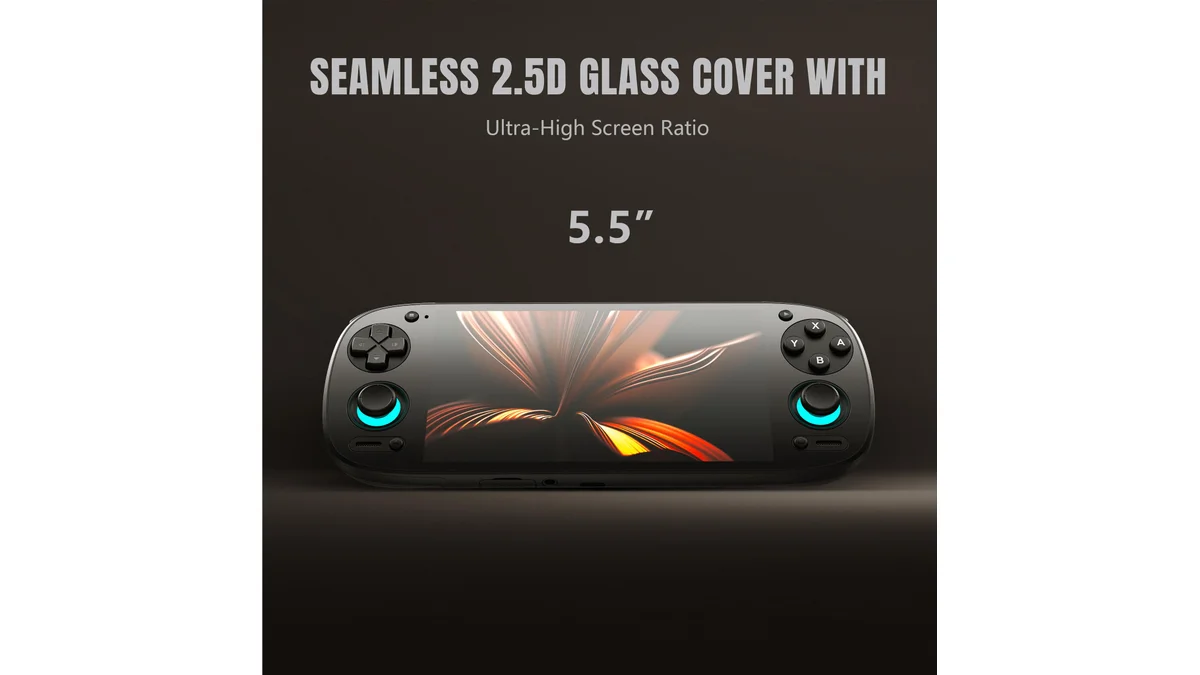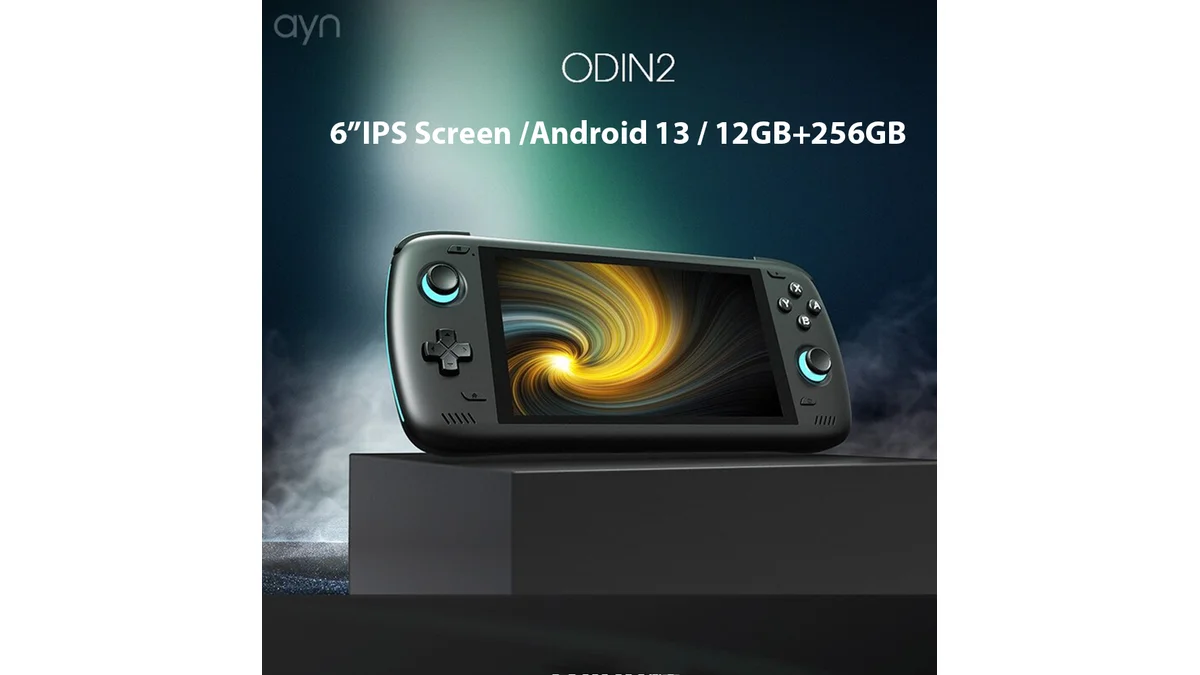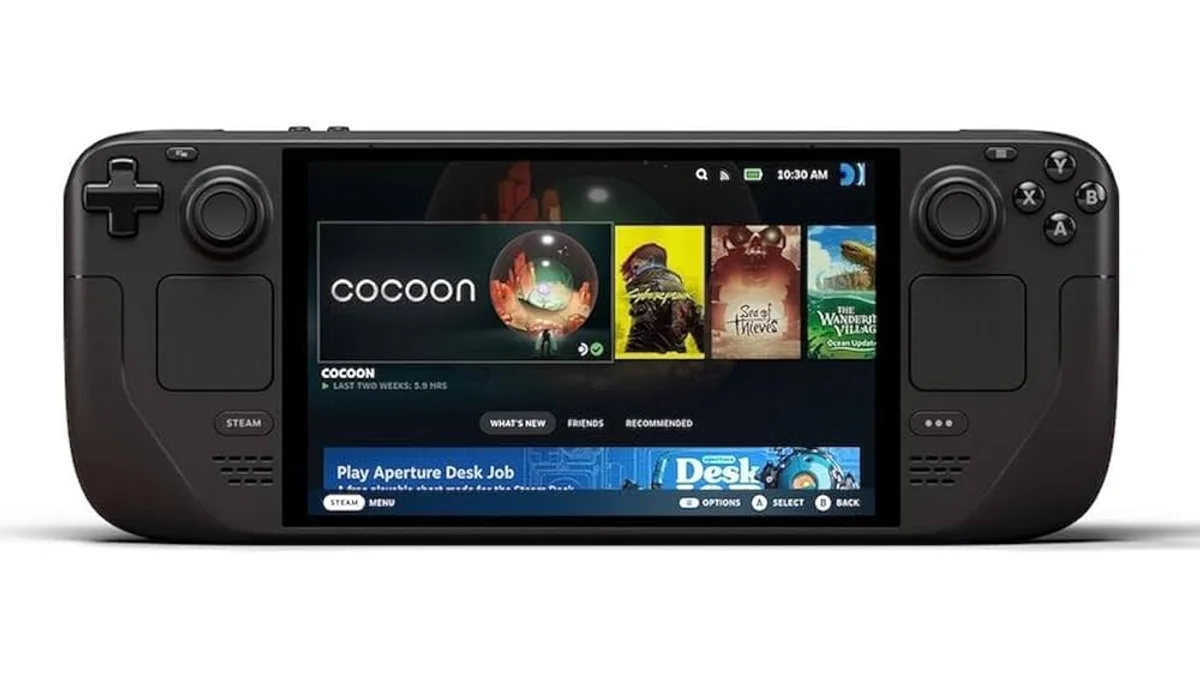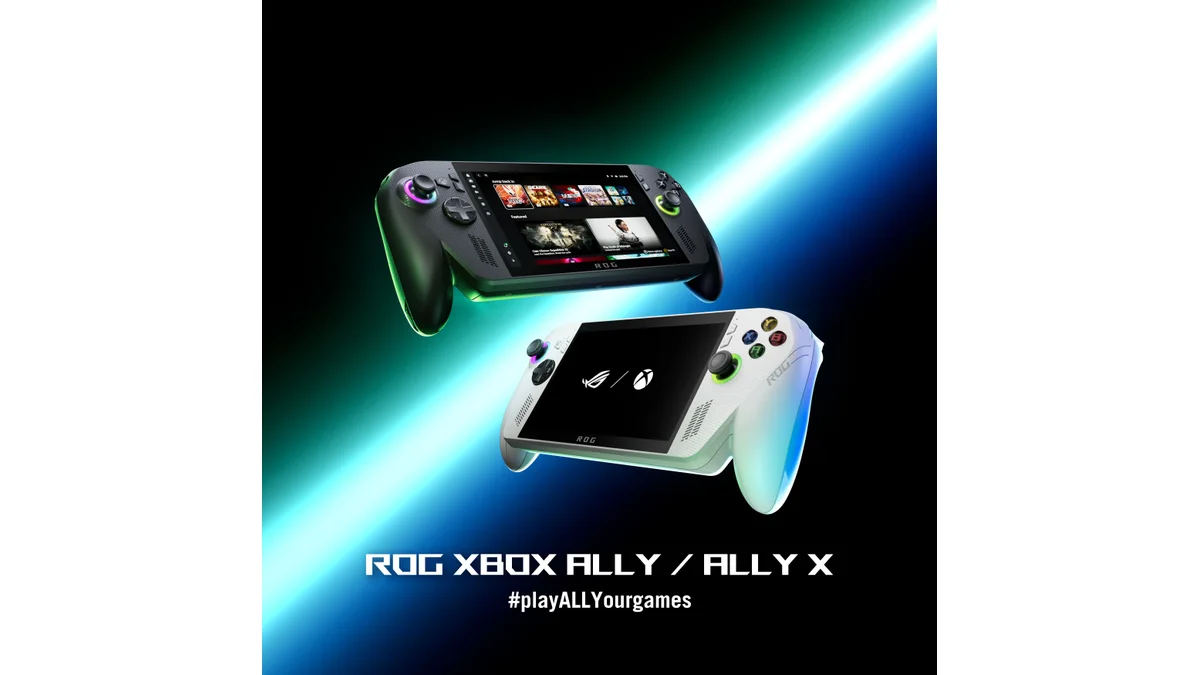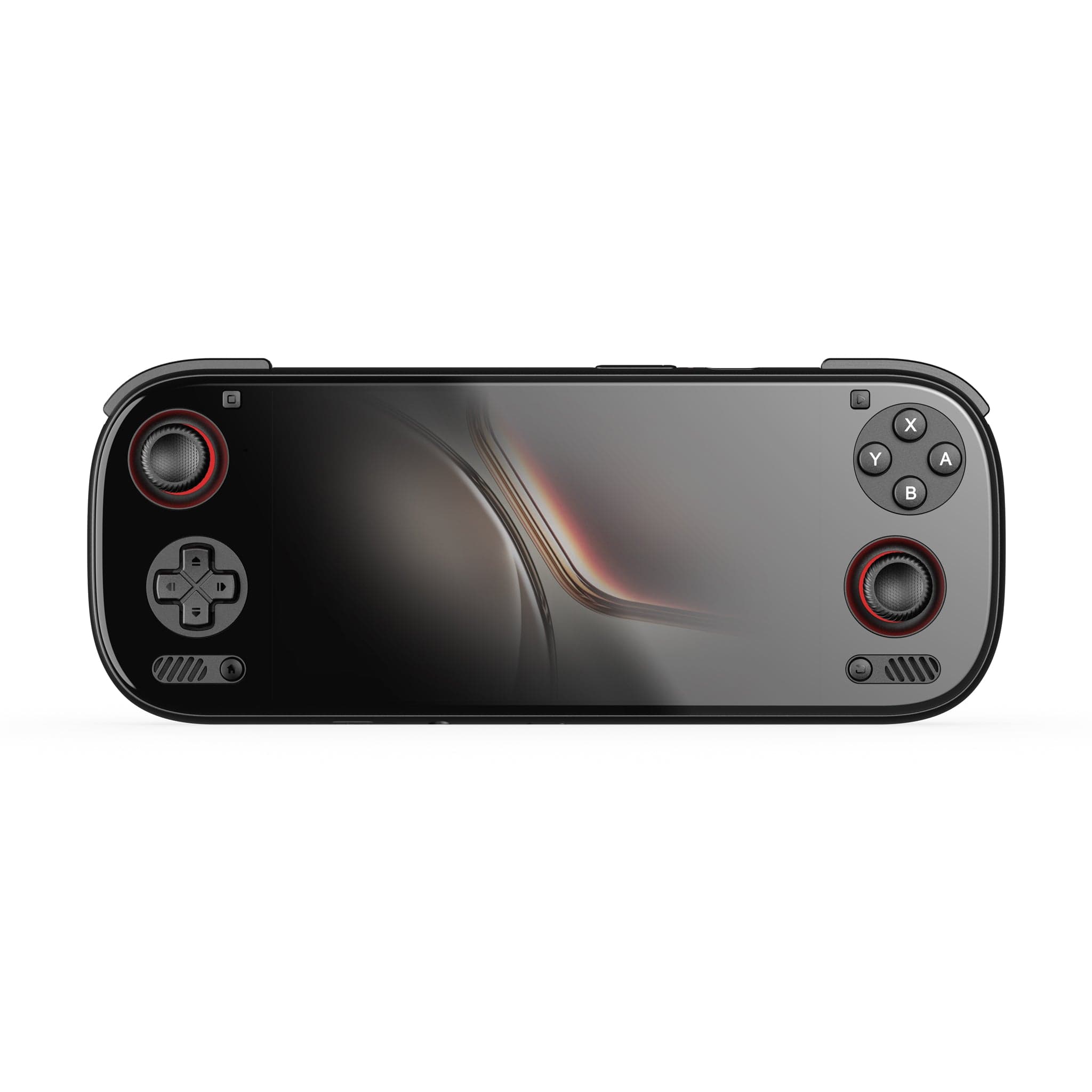
Six months ago, we compared Android and Windows handhelds on paper. Now, after daily use of the Retroid Pocket 5, AYN Odin 2, Steam Deck OLED, and ROG Ally X 2025, we can tell you how they actually compare in real life.
The Short Answer
Both platforms have matured significantly. Android handhelds have gotten more powerful, while Windows handhelds have become more polished. The choice depends more than ever on what you want to play and how much tinkering you're willing to do.
Gaming Performance: The Gap Has Narrowed
Emulation
Six months ago, Windows handhelds dominated high-end emulation. That's no longer true. The Snapdragon 8 Gen 2 in the AYN Odin 2 handles GameCube and PS2 at 2x-3x resolution flawlessly. Android has caught up for everything through the PS2/Wii era.
Windows still wins for:
- PS3 emulation (RPCS3 demands x86)
- Xbox/360 emulation
- PC-only retro titles
But for most users, Android now handles the classics beautifully.
Native Games
Windows maintains its huge advantage here. You can play Cyberpunk 2077, Baldur's Gate 3, and any PC game on the Ally X. Android's native library is mobile games and ports—excellent titles like Genshin Impact and Dead Cells, but not full PC releases.
Cloud Gaming
Both platforms tie here. Xbox Cloud Gaming, GeForce NOW, and Steam Link work beautifully on both Android and Windows. The Logitech G Cloud (Android) actually edges out Windows devices for pure cloud gaming due to better battery optimization.
Battery Life: Android Still Wins
After six months of testing, Android handhelds consistently deliver 2-3x the battery life of Windows devices in similar workloads.
| Task | AYN Odin 2 (Android) | ROG Ally X (Windows) |
|---|---|---|
| PS2 Emulation | 8-10 hours | 4-5 hours |
| Indie Games | 10-12 hours | 6-7 hours |
| AAA Gaming | N/A | 2-3 hours |
| Cloud Gaming | 12-14 hours | 5-6 hours |
| Video Playback | 15+ hours | 8-10 hours |
The gap has narrowed slightly with the Ally X's 80Whr battery, but Android's efficiency remains unmatched.
Software Experience: Windows Is More Work
Setup Time
- Android: 30 minutes to install emulators and load ROMs
- Windows: 2-3 hours of updates, driver installs, and TDP tuning
Daily Use
Android handhelds are more "pick up and play." They wake instantly, games launch from clean frontends like Daijisho, and you rarely think about the OS.
Windows handhelds require more babysitting:
- Windows updates interrupt gaming
- TDP needs adjustment per-game for optimal battery
- Armoury Crate or Handheld Companion needs configuration
- Random Windows quirks (sleep issues, display scaling)
Six Months Later
The Steam Deck OLED's SteamOS remains the most polished experience, but Windows has improved. The Legion Go S's official SteamOS option is exciting—it might offer the best of both worlds.
Portability: Android Wins Comfort
After months of carrying both:
- Android devices are lighter (320-410g vs 600-700g), run cooler, and fit better in bags
- Windows devices are heavier, run warmer, and need more charging
The Retroid Pocket Mini V2 has become our go-to "daily carry" because it literally fits in a pocket and doesn't need frequent charging.
Game Library Lock-In
Steam Deck / SteamOS
If you have a large Steam library, the Deck is the obvious choice. Your games just work, saves sync seamlessly, and the UI is built around your collection.
Game Pass
Windows handhelds win here. Native Game Pass integration on the Ally is genuinely useful. Android has Game Pass streaming, but native downloads are better for commutes with spotty internet.
Emulation
Both handle retro games excellently, but Android has better frontend options (Daijisho, LaunchBox) that feel like console UIs. Windows emulation is more powerful but requires more setup.
Long-Term Ownership
Android Handhelds
After six months, our Android devices feel nearly identical to day one. Battery degradation is minimal (5-10%), performance hasn't changed, and the experience is consistent.
Windows Handhelds
The Ally X has improved over time—Windows updates, driver improvements, and software like Handheld Companion have made it better than at launch. But it still requires more maintenance.
What About the Steam Deck OLED?
It sits in the middle. SteamOS is nearly as polished as Android, with a PC game library like Windows. The performance is mid-tier compared to the Ally X, but the experience is more refined.
Six months later, it's still our recommendation for:
- First-time handheld buyers
- Steam library owners
- Those who want PC games without Windows headaches
The Verdict
Choose Android if:
- You primarily play retro games (through PS2/GameCube)
- You want maximum battery life
- You prefer a console-like experience
- You're on a tighter budget ($180-350 range)
Choose Windows if:
- You want to play modern AAA PC games
- You have Game Pass and want native downloads
- You're comfortable with PC tinkering
- Maximum flexibility matters more than battery life
Choose Steam Deck OLED if:
- You want the middle ground
- You have a large Steam library
- You want PC games with console-like polish
Six months later, all three options are better than ever. The "right" choice depends on your games, your tolerance for setup, and how you'll use it.